


TrainerPlan Academy
Video tutorials to get the most out of TrainerPlan: the Masterclass series and short guides by topic. Free, on our YouTube channel.
Videos are in Spanish. YouTube offers auto-translated subtitles.

The Masterclass series
One full session a month on one part of TrainerPlan. Recorded and always available.
-
 4:42
Masterclass #1
4:42
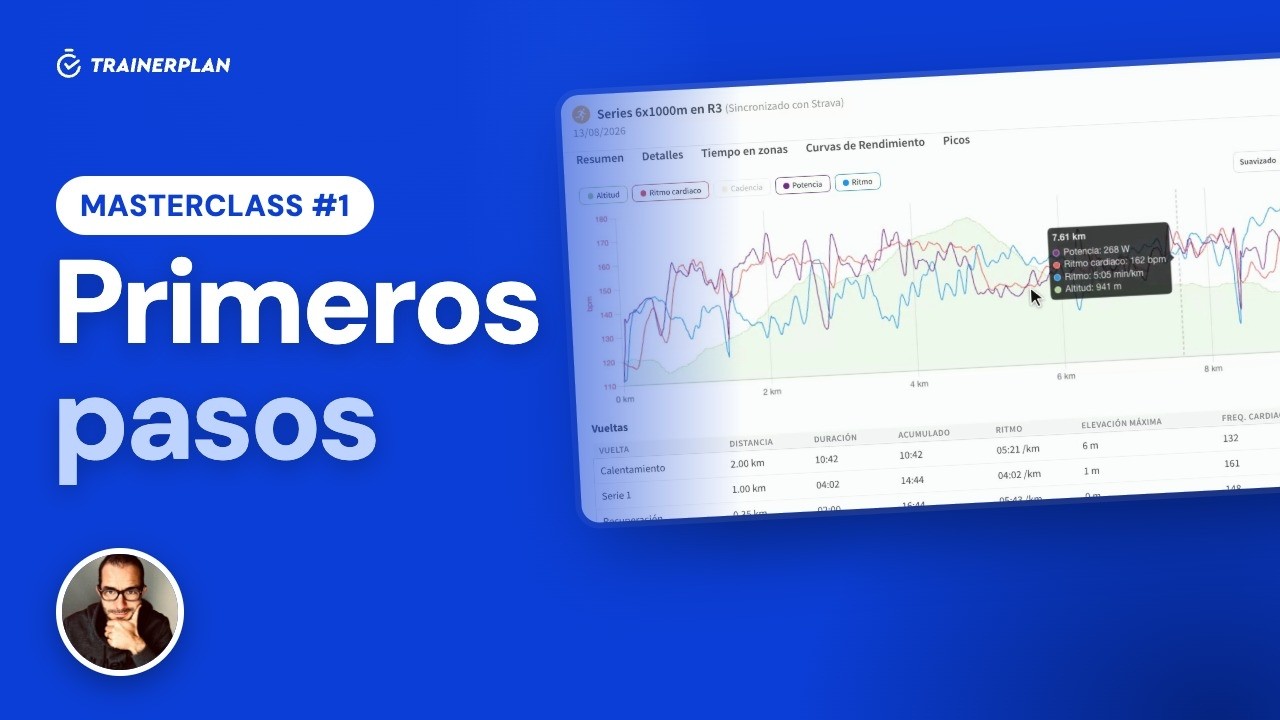
Masterclass #1Masterclass #1 · First steps in TrainerPlan
How to add your first athlete, set up their zones, build a session step by step, analyse a completed workout and read their dashboard. Everything you need to start coaching with TrainerPlan.
- Inviting and creating athletes
- Profile and training zones
- Analysing a completed session
- Building a session step by step
- The library and templates
- The dashboard: Fitness, Fatigue and Form
-
 3:20
Masterclass #2
3:20
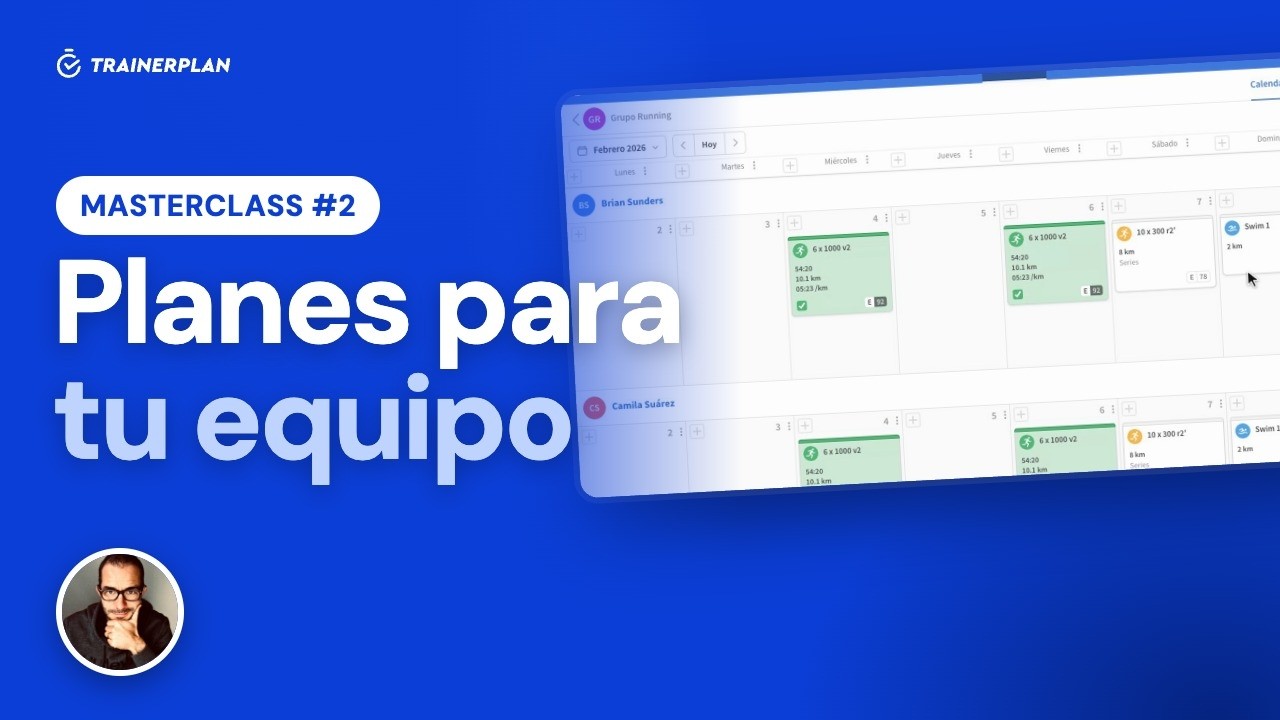
Masterclass #2Masterclass #2 · Full plans for multiple athletes
How to build a plan and assign it to several athletes or a whole group without writing the same week twice, and the difference between static and dynamic plans.
- Static and dynamic plans
- Adding sessions to a plan
- Copying days and whole weeks
- Assigning to athletes and groups
- The group calendar
- What each athlete sees
-
 3:29
Masterclass #3
3:29
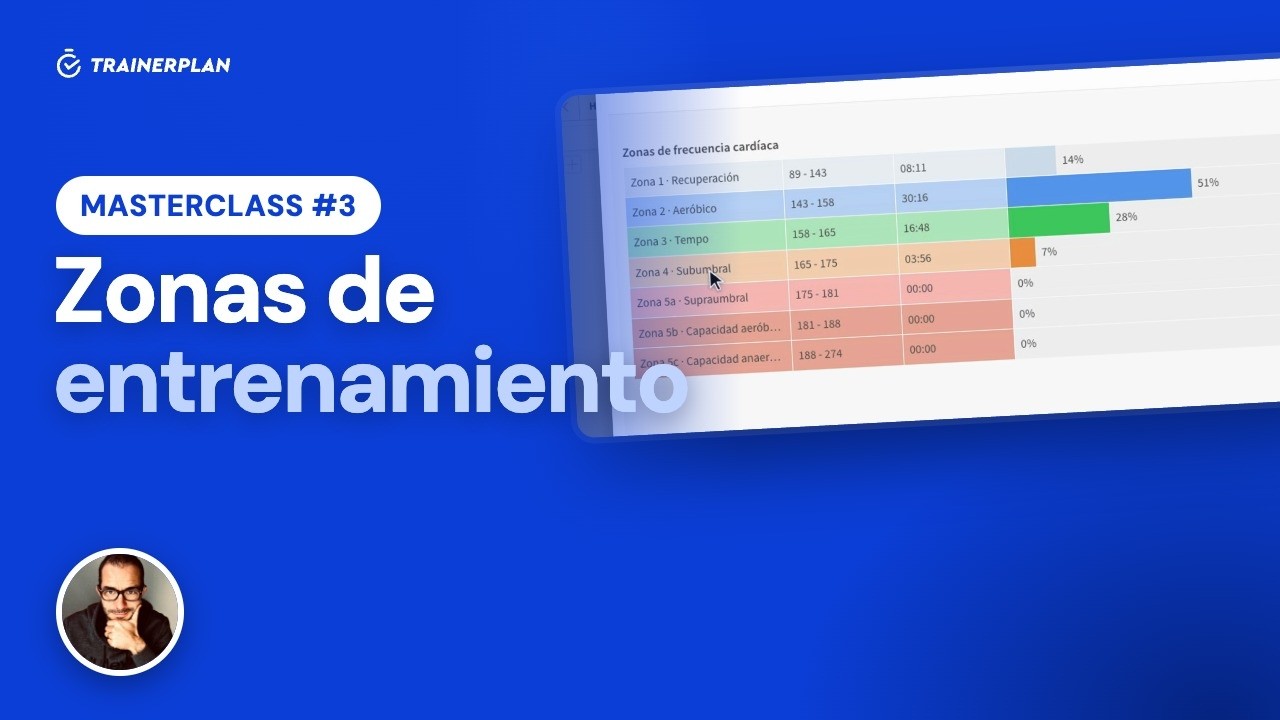
Masterclass #3Masterclass #3 · Training zones in TrainerPlan
How to set up each athlete's heart rate, power and pace zones, use them as targets when planning, and let TrainerPlan detect when their threshold improves.
- Zones by type and by sport
- Calculation methods: max HR, Karvonen and threshold
- Calculate zones or set your own limits
- Power and pace
- Automatic threshold detection
- Time in zones and zone templates
-
 3:40
Masterclass #4
3:40
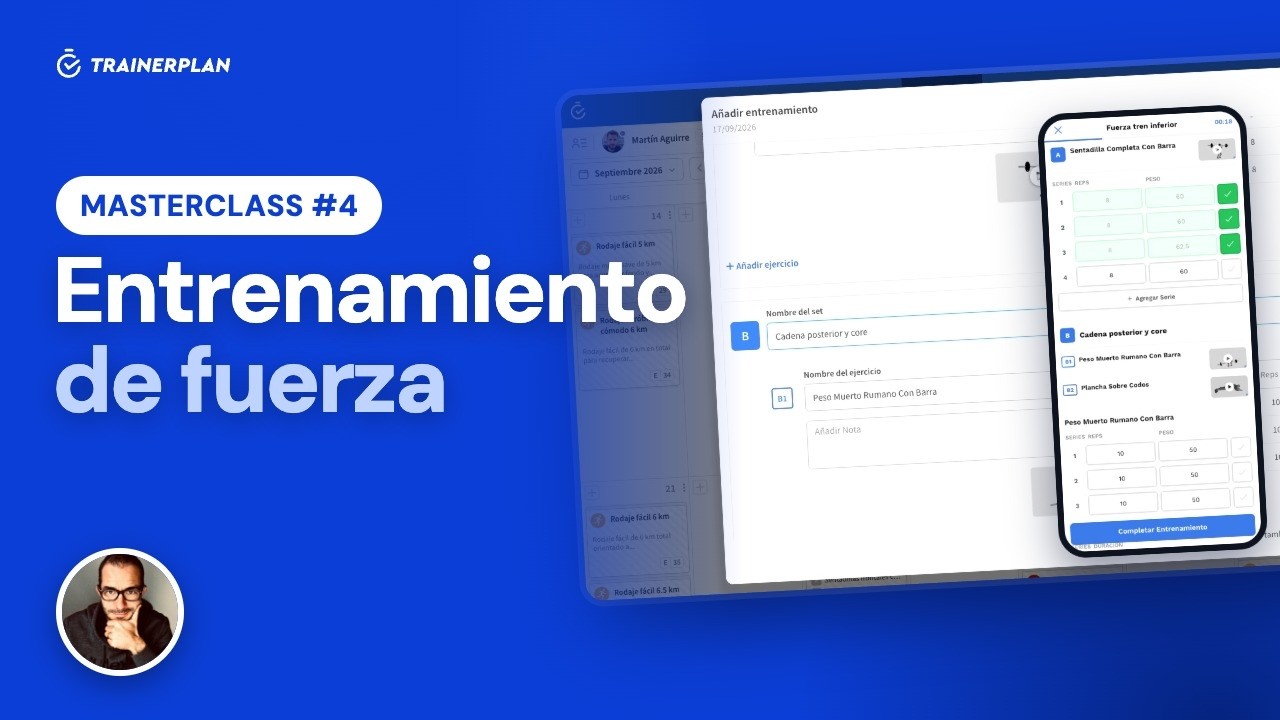
Masterclass #4Masterclass #4 · Strength training in TrainerPlan
How to build a strength session with the library of more than 7,500 exercises with video, and how your athlete logs it set by set in the app, so you see what they actually did.
- Exercise library with video
- Sets, reps, weight and other parameters
- Blocks and supersets
- Custom exercises
- The athlete logs the session in the app
- What the coach sees
-
 2:21
Masterclass #5
2:21
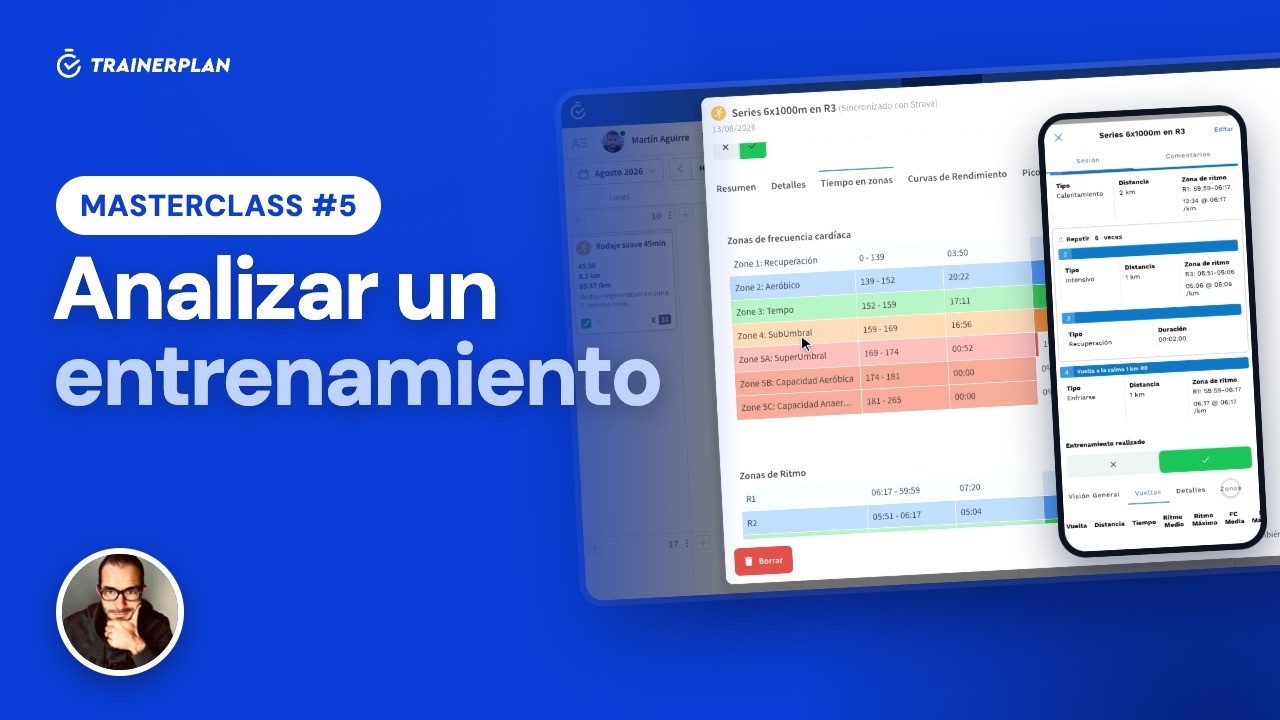
Masterclass #5Masterclass #5 · Analysing a completed workout in TrainerPlan
What you see when your athlete syncs their watch: the workout chart, the laps, the real time in each zone, their peaks and records, an AI-written summary and the conversation with them.
- The session arrives completed
- The chart: heart rate, pace, power and altitude
- Laps, per-kilometre splits and intervals
- Time in heart rate and pace zones
- Peaks, records and performance curves
- AI summary and comments
-
 2:26
Masterclass #6
2:26
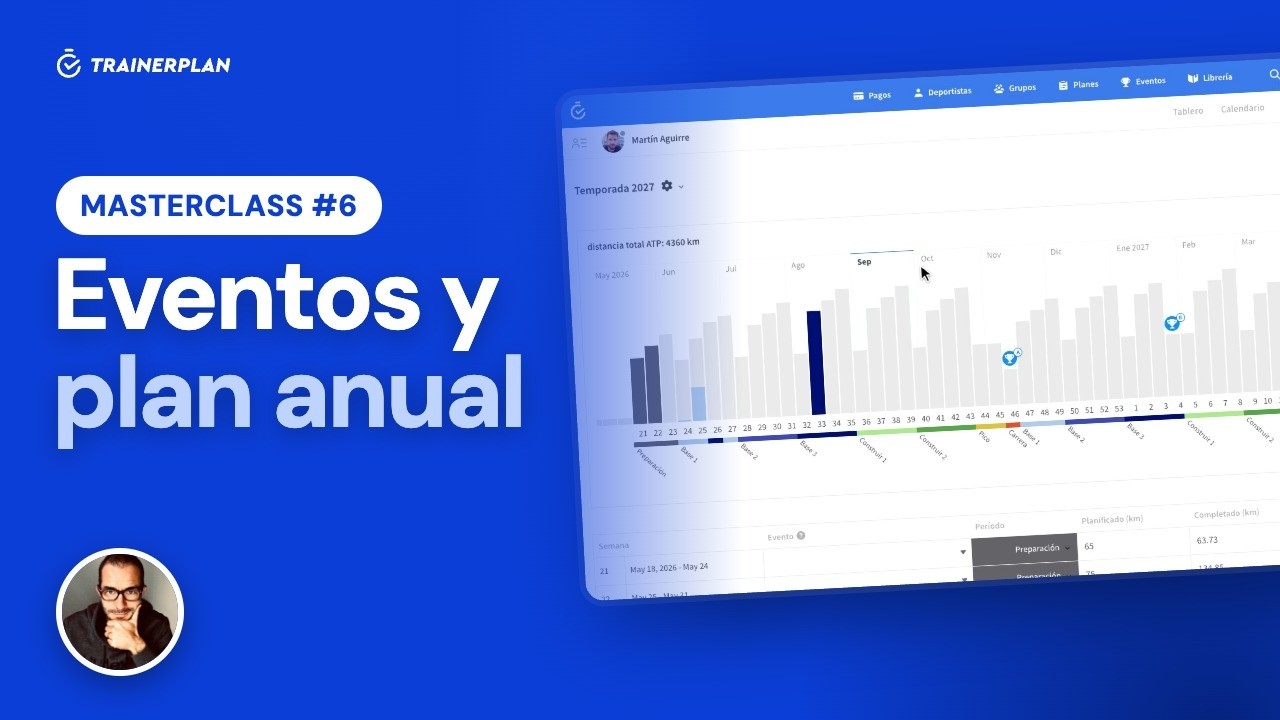
Masterclass #6Masterclass #6 · Events and the annual plan in TrainerPlan
How to add your athlete's races with an A, B or C priority, and build a full season from them: mesocycles, weekly volume and each week's target waiting in the calendar.
- Create a race and add participants
- A, B and C priorities
- The annual plan generator
- Mesocycles and recovery weeks
- Edit the volume week by week
- Planned versus completed
-
 3:09
Masterclass #7
3:09
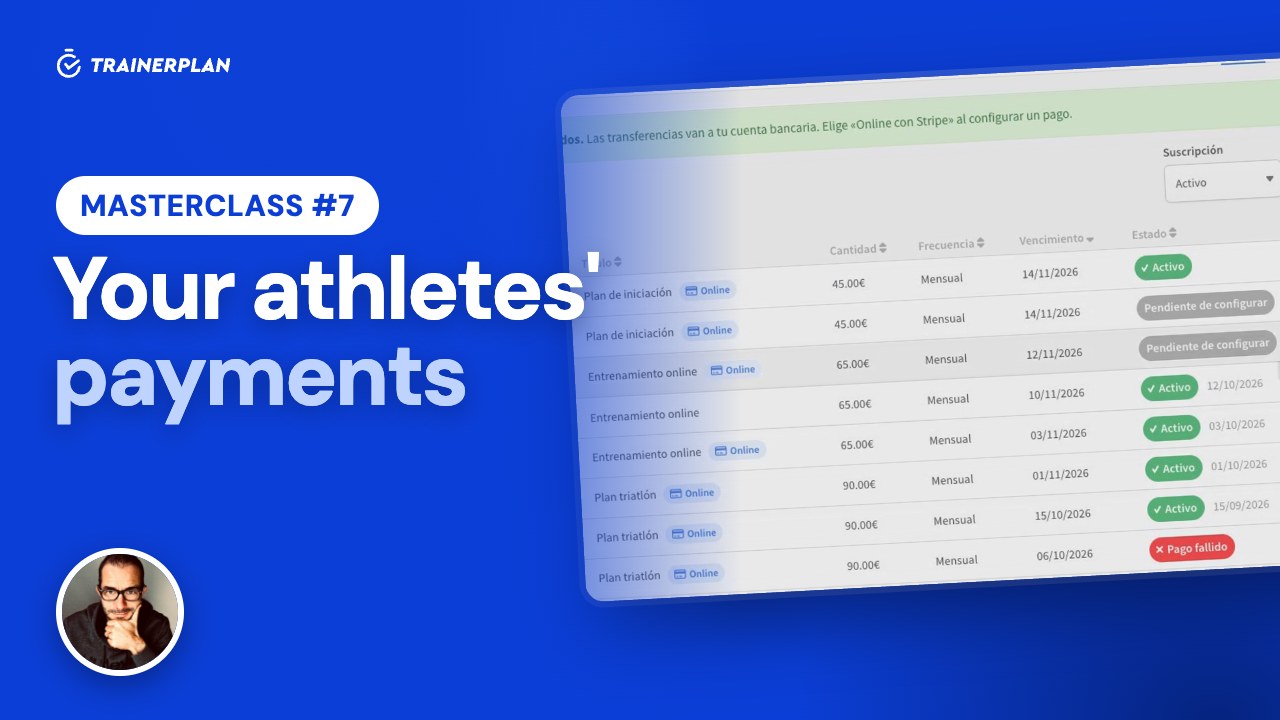
Masterclass #7Masterclass #7 · Your athletes' payments in TrainerPlan
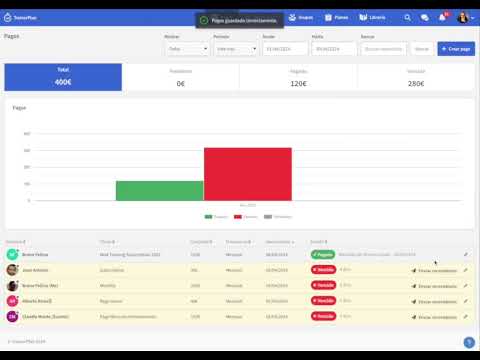
How to get paid by your athletes online with Stripe, with no TrainerPlan commission: connecting your account, products and charges, what your athlete sees when paying, each customer's status, invoices, payouts and manual payments with reminders.
- Connect Stripe, no commission
- Recurring products and one-off payments
- An online charge for one athlete or several
- Your athlete pays by card on Stripe
- Statuses, invoices and payouts
- Manual payments and reminders
-
 1:40
Masterclass #8
1:40
Masterclass #8Masterclass #8 · Your brand in TrainerPlan
How to put your logo and colour on TrainerPlan so your athletes see your brand on the web, in the app and in emails, and how to publish your public profile with your services and rates.
- Upload your logo
- Choose the header colour
- Where your athletes see your brand
- The public profile: description and services
- Rates and social links
- Your public page on trainerplan.co
-
 1:52
Masterclass #9
1:52
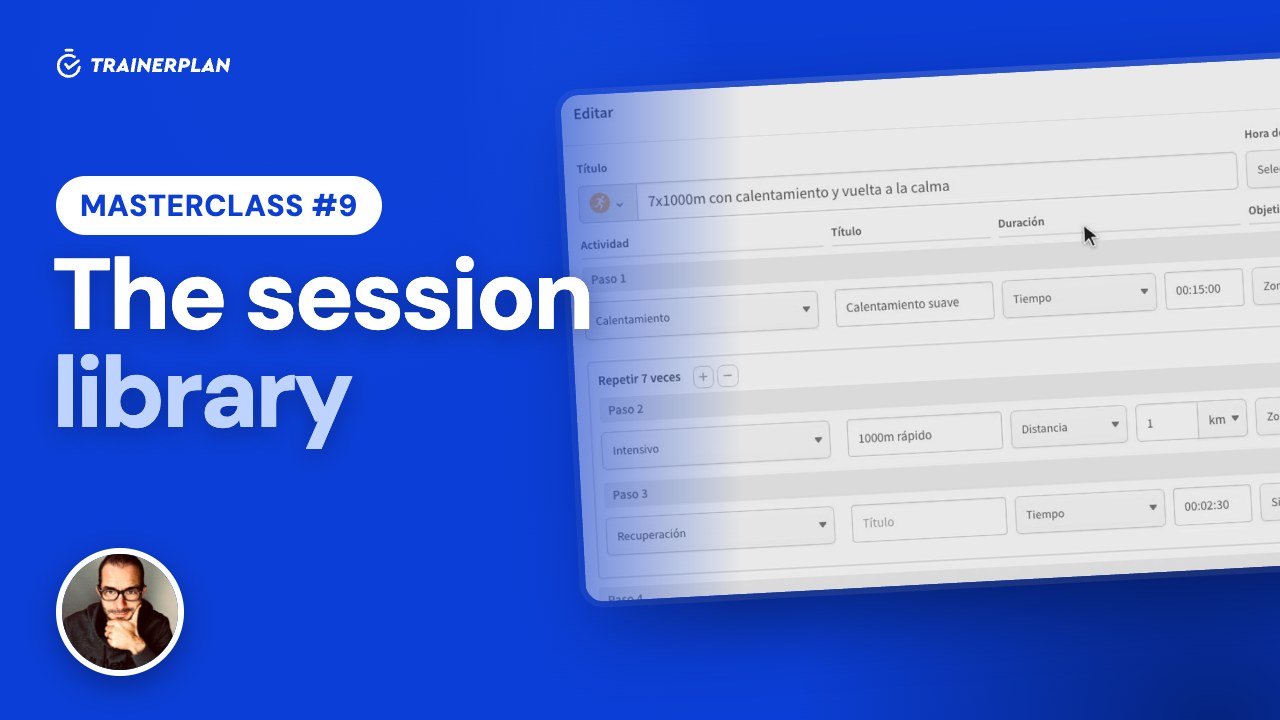
Masterclass #9Masterclass #9 · The session library in TrainerPlan
How to save your sessions as templates in the library, organise them in folders and drag them onto your athletes' calendars, and how to attach your videos and documents to a session.
- The session library
- Create a template
- Folders, move and duplicate
- From the library to the calendar
- Save a session as a template
- Files: videos and documents
-
 2:06
Masterclass #10
2:06
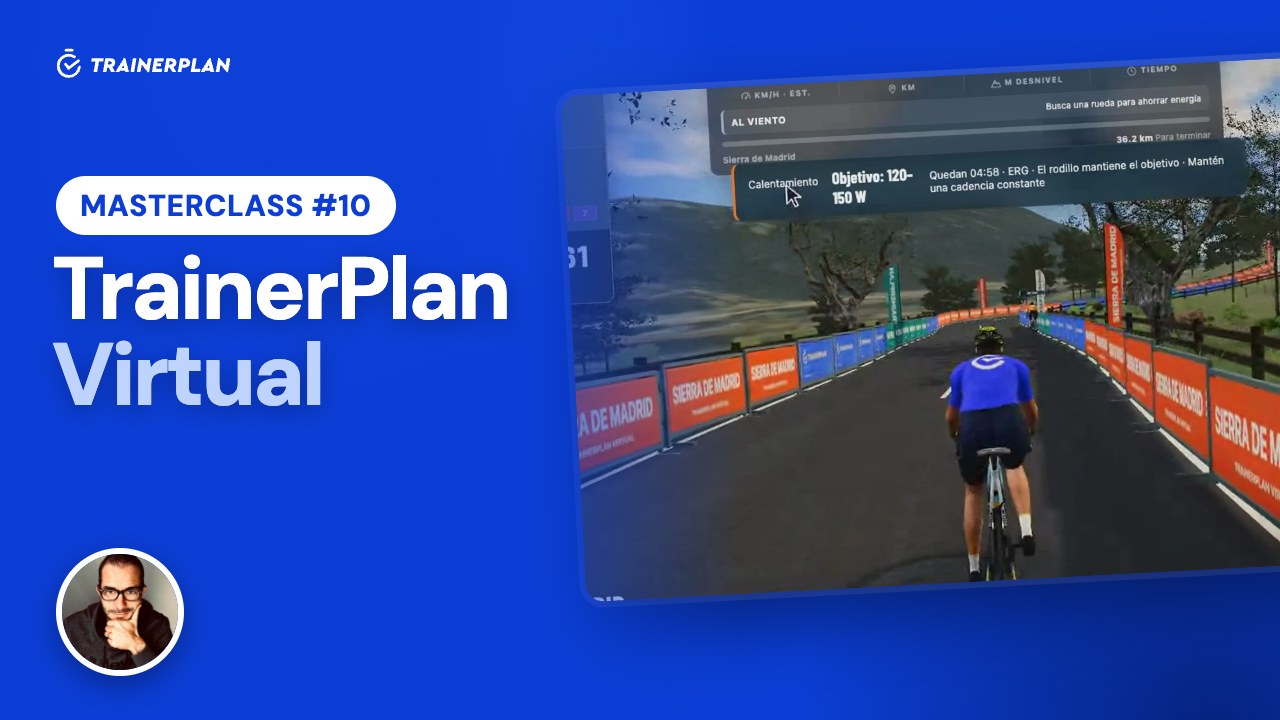
Masterclass #10Masterclass #10 · TrainerPlan Virtual
How your athletes ride the sessions you plan on their indoor trainer: the 3D world of TrainerPlan Virtual, ERG mode, and the session saved to their calendar with its Effort.
- You plan the session
- Entering Virtual
- The session from the calendar
- Connecting the trainer
- ERG mode
- Saving to TrainerPlan
- What the coach sees
First steps
-
 3:46
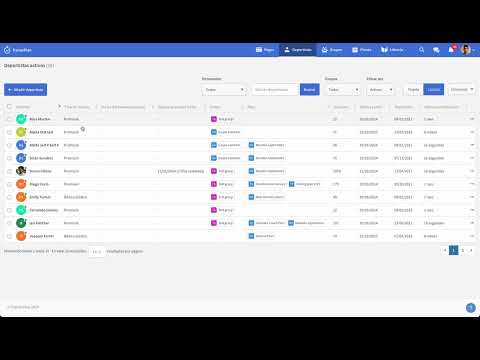
Getting started with your coach account in TrainerPlan
A tour of the coach account: athletes, calendar and library in three minutes.
3:46
Getting started with your coach account in TrainerPlan
A tour of the coach account: athletes, calendar and library in three minutes.
-
 2:58
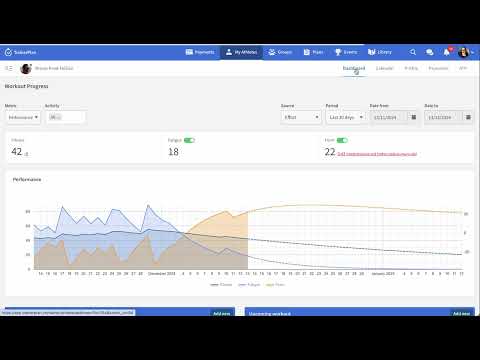
The TrainerPlan platform
What TrainerPlan is and how a coach's work is organised inside it.
2:58
The TrainerPlan platform
What TrainerPlan is and how a coach's work is organised inside it.
-
 0:42
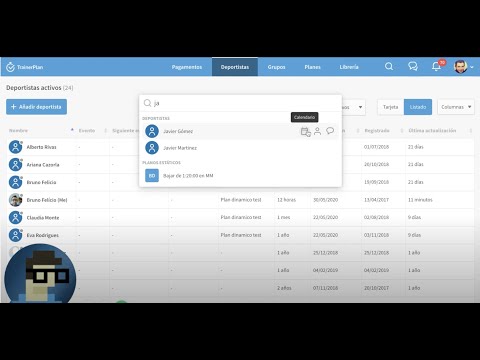
Global search in TrainerPlan
Find athletes, sessions and files from any screen.
0:42
Global search in TrainerPlan
Find athletes, sessions and files from any screen.
Athletes and groups
-
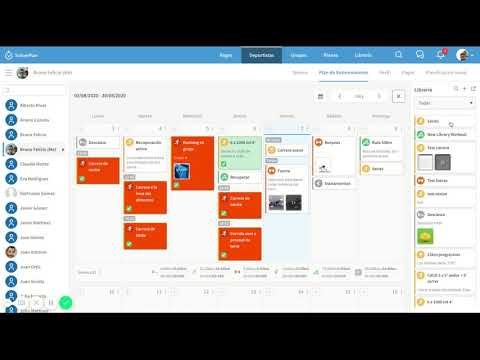 0:27
The collapsible athlete side menu
Switch athlete without leaving the calendar using the side menu.
0:27
The collapsible athlete side menu
Switch athlete without leaving the calendar using the side menu.
-
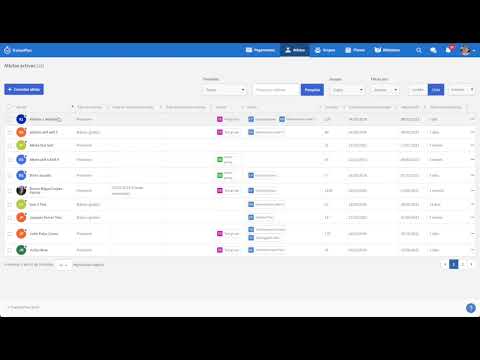 0:15
Sorting the athlete list in TrainerPlan
Order your athlete list the way you prefer.
0:15
Sorting the athlete list in TrainerPlan
Order your athlete list the way you prefer.
-
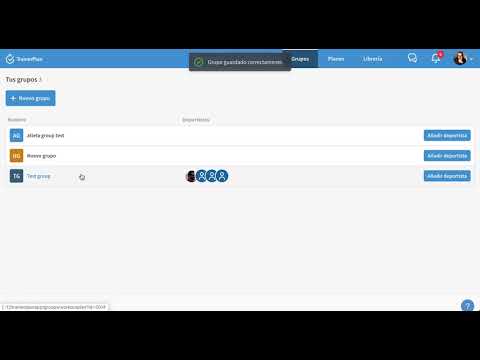 0:48
Creating a group
Group athletes to plan for all of them at once.
0:48
Creating a group
Group athletes to plan for all of them at once.
-
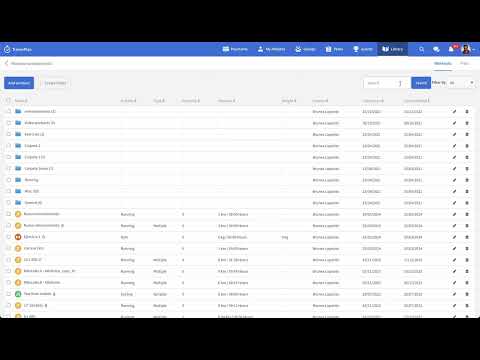 3:11
Configuring and Mapping Zones in TrainerPlan
How to set up an athlete's zones and how they apply to the data coming from the watch. Video in English.
3:11
Configuring and Mapping Zones in TrainerPlan
How to set up an athlete's zones and how they apply to the data coming from the watch. Video in English.
-
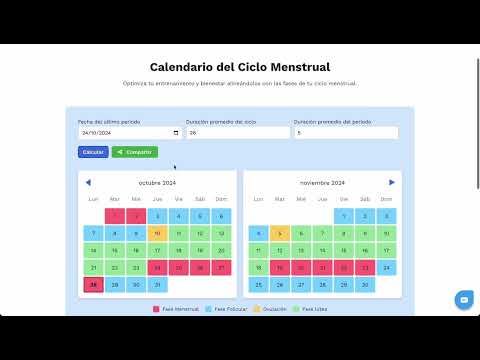 0:26
Tracking and planning around the menstrual cycle with TrainerPlan
Log the athlete's menstrual cycle and take it into account when planning.
0:26
Tracking and planning around the menstrual cycle with TrainerPlan
Log the athlete's menstrual cycle and take it into account when planning.
Calendar and sessions
-
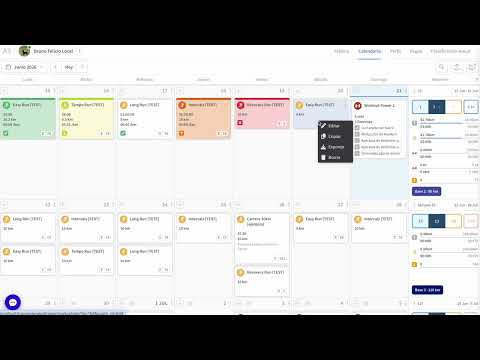 0:48
The new training calendar
The redesigned calendar: cleaner, faster and with the week at a glance.
0:48
The new training calendar
The redesigned calendar: cleaner, faster and with the week at a glance.
-
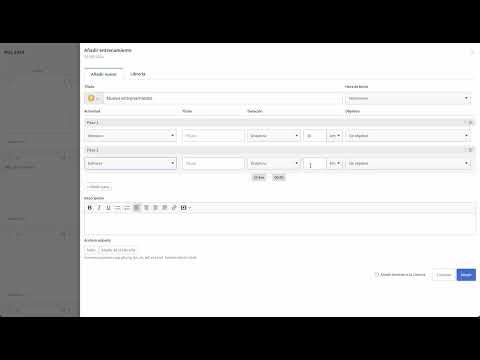 0:50
How to add a workout in TrainerPlan
Create a session from scratch directly on the calendar day.
0:50
How to add a workout in TrainerPlan
Create a session from scratch directly on the calendar day.
-
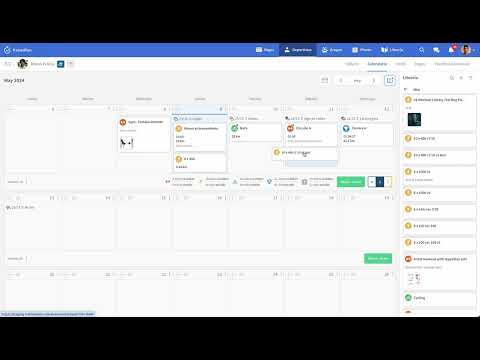 0:20
Adding workouts to the calendar from the sidebar
Take a session from the library to the calendar in one click.
0:20
Adding workouts to the calendar from the sidebar
Take a session from the library to the calendar in one click.
-
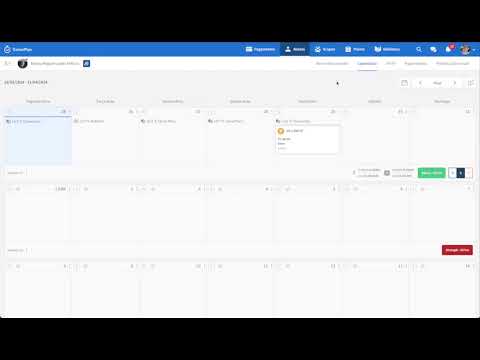 0:14
Dragging workouts onto the calendar from the sidebar
Drag and drop sessions onto any day you like.
0:14
Dragging workouts onto the calendar from the sidebar
Drag and drop sessions onto any day you like.
-
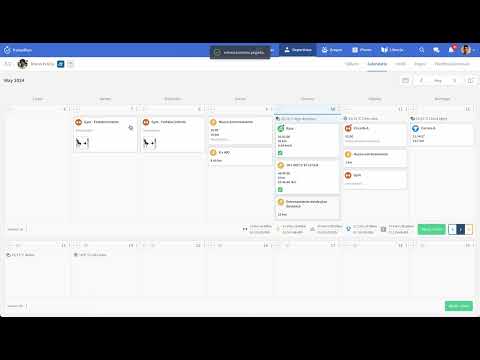 0:20
Copying and pasting workouts in TrainerPlan
Copy a session and paste it on another day or another athlete.
0:20
Copying and pasting workouts in TrainerPlan
Copy a session and paste it on another day or another athlete.
-
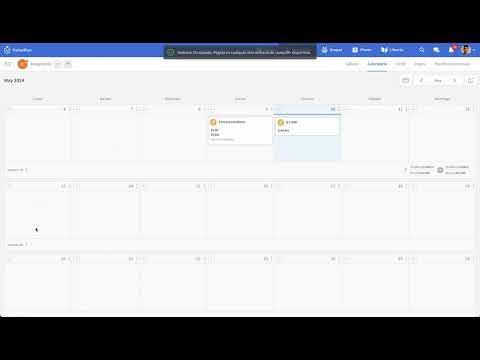 0:10
Copying and pasting whole weeks in TrainerPlan
Repeat a full week without writing it again.
0:10
Copying and pasting whole weeks in TrainerPlan
Repeat a full week without writing it again.
-
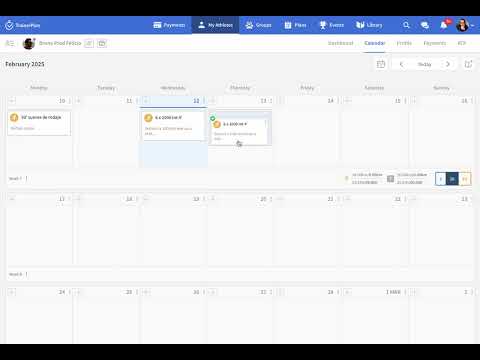 0:10
New: duplicate workouts with a single gesture in TrainerPlan
Duplicate a session with one gesture, no copy and paste needed.
0:10
New: duplicate workouts with a single gesture in TrainerPlan
Duplicate a session with one gesture, no copy and paste needed.
-
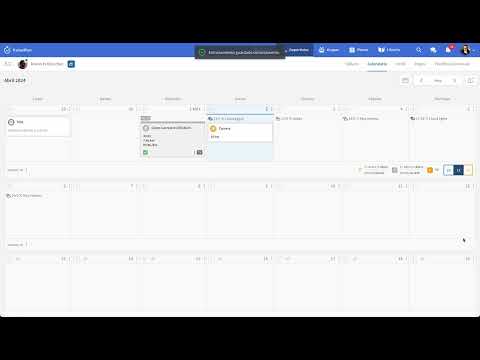 0:34
Designing workouts with specific targets
Set duration, distance or intensity targets for every session.
0:34
Designing workouts with specific targets
Set duration, distance or intensity targets for every session.
-
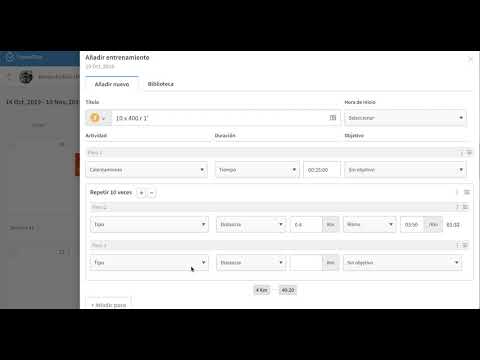 1:07
Structured workouts
Build sessions from steps and intervals the athlete follows on their watch.
1:07
Structured workouts
Build sessions from steps and intervals the athlete follows on their watch.
Library and plans
-
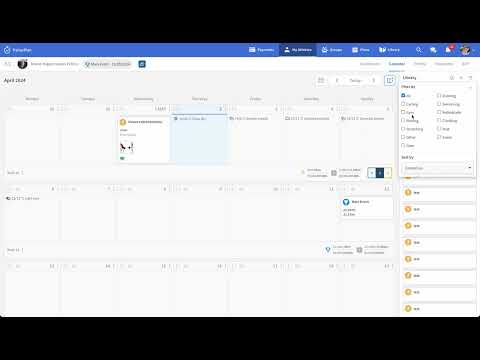 0:29
How to use the library sidebar
The library always at hand next to the calendar.
0:29
How to use the library sidebar
The library always at hand next to the calendar.
-
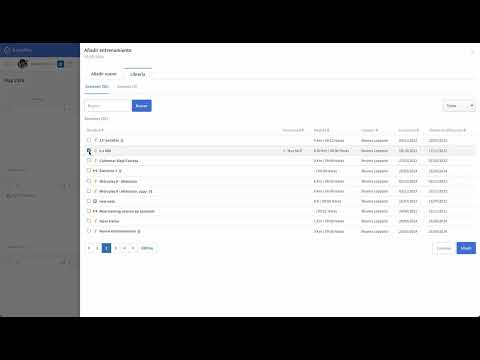 0:15
How to add a workout from the library
Reuse a saved session on any athlete's calendar.
0:15
How to add a workout from the library
Reuse a saved session on any athlete's calendar.
-
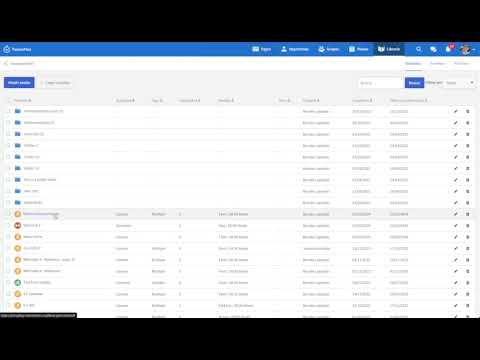 0:58
Adding a new training session to the TrainerPlan library
Save a session as a template to reuse it whenever you want.
0:58
Adding a new training session to the TrainerPlan library
Save a session as a template to reuse it whenever you want.
-
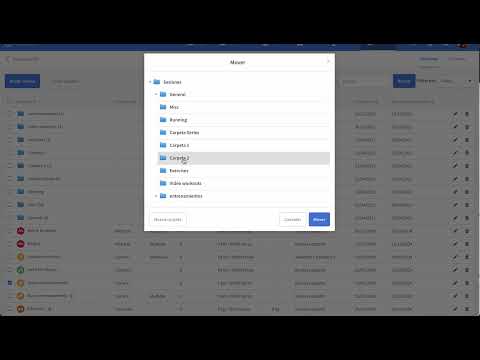 0:20
How to move files or workouts to other folders
Organise the library in folders by dragging sessions and files.
0:20
How to move files or workouts to other folders
Organise the library in folders by dragging sessions and files.
-
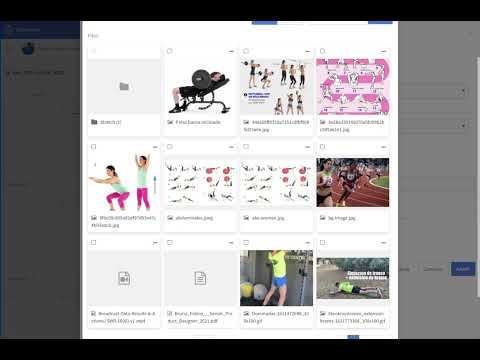 0:27
Adding a file from the Add Workout panel
Attach a file from the library while creating a session.
0:27
Adding a file from the Add Workout panel
Attach a file from the library while creating a session.
-
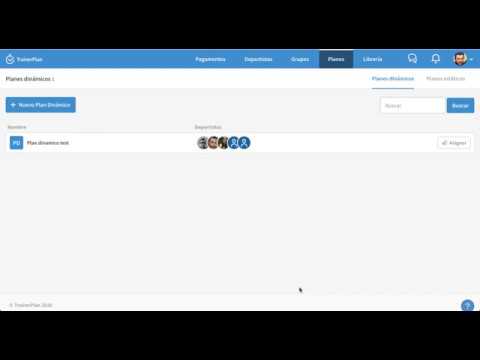 1:09
How to create a dynamic plan
A plan on real dates that is shared live: change it and it changes for every assigned athlete.
1:09
How to create a dynamic plan
A plan on real dates that is shared live: change it and it changes for every assigned athlete.
-
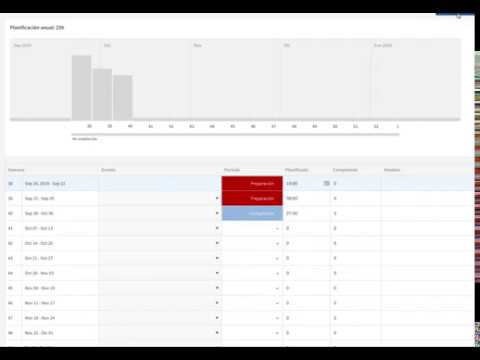 1:06
Adding an annual plan to your athletes
Apply a full season plan to an athlete in seconds.
1:06
Adding an annual plan to your athletes
Apply a full season plan to an athlete in seconds.
Videos and images in sessions
-
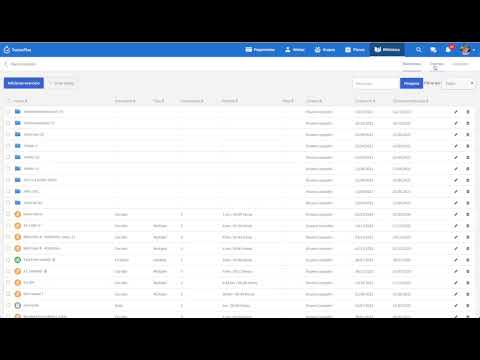 0:33
Adding videos to the library
Store exercise videos in the library to use them in sessions.
0:33
Adding videos to the library
Store exercise videos in the library to use them in sessions.
-
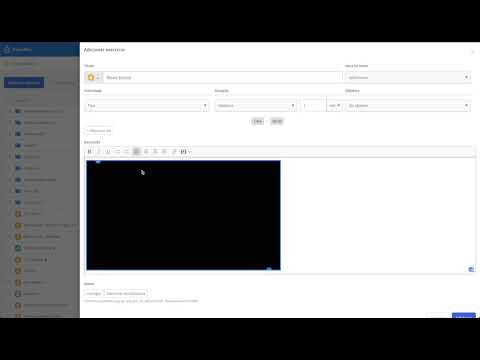 0:21
Adding a YouTube link to workouts
Link a YouTube video so the athlete can watch it in their session.
0:21
Adding a YouTube link to workouts
Link a YouTube video so the athlete can watch it in their session.
-
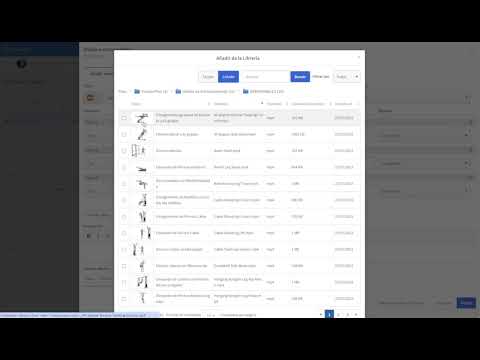 1:25
Adding videos to individual steps with structured workouts
A different video for each step of a structured session.
1:25
Adding videos to individual steps with structured workouts
A different video for each step of a structured session.
-
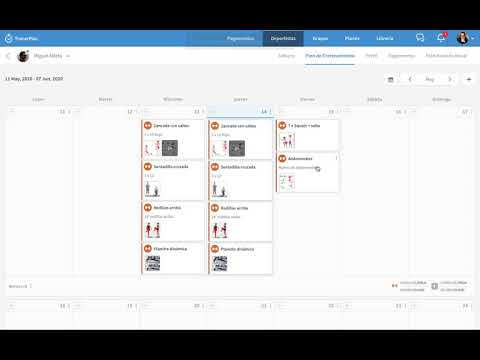 1:26
Adding images to workouts
Attach images to a session to explain an exercise or a route.
1:26
Adding images to workouts
Attach images to a session to explain an exercise or a route.
Analysis and charts
-
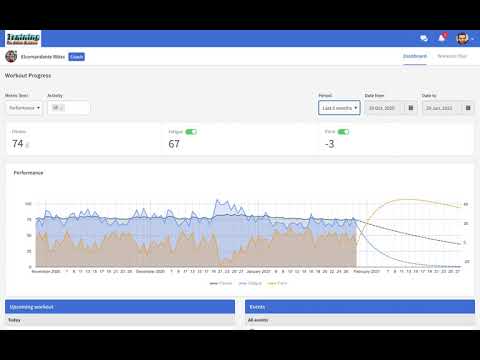 0:33
Fitness (CTL), Fatigue (ATL) and Form (TSB) chart
How to read an athlete's chronic training load, fatigue and form.
0:33
Fitness (CTL), Fatigue (ATL) and Form (TSB) chart
How to read an athlete's chronic training load, fatigue and form.
-
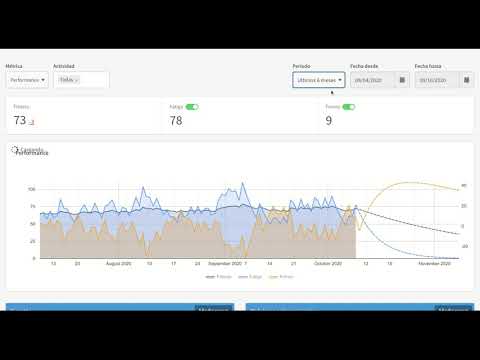 0:36
TrainerPlan's Performance Chart ATL, CTL, TSB
The performance chart explained step by step. Video in English.
0:36
TrainerPlan's Performance Chart ATL, CTL, TSB
The performance chart explained step by step. Video in English.
-
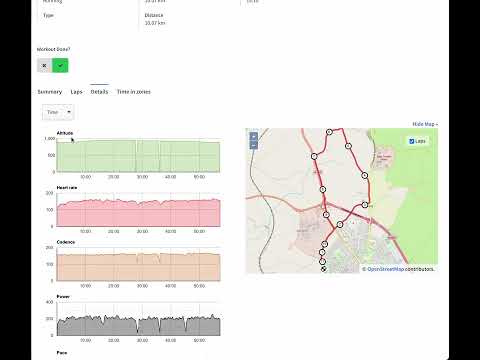 0:19
Zooming in on training charts
Zoom into any stretch of a chart to see the detail.
0:19
Zooming in on training charts
Zoom into any stretch of a chart to see the detail.
-
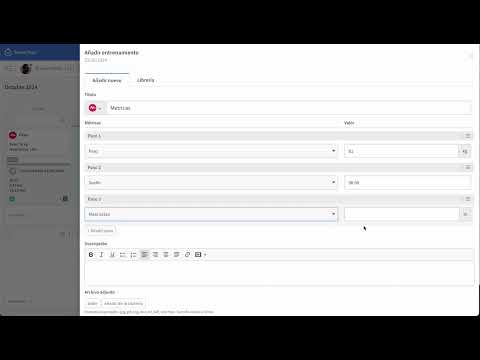 0:47
How to log and manage fitness metrics in TrainerPlan
Weight, sleep, feel and other daily athlete metrics.
0:47
How to log and manage fitness metrics in TrainerPlan
Weight, sleep, feel and other daily athlete metrics.
Integrations
-
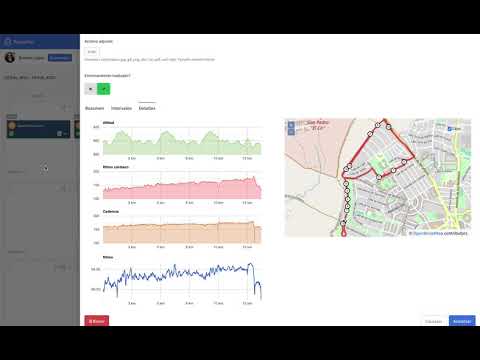 1:48
Connecting TrainerPlan with Garmin
Connect the Garmin account to receive every activity automatically.
1:48
Connecting TrainerPlan with Garmin
Connect the Garmin account to receive every activity automatically.
-
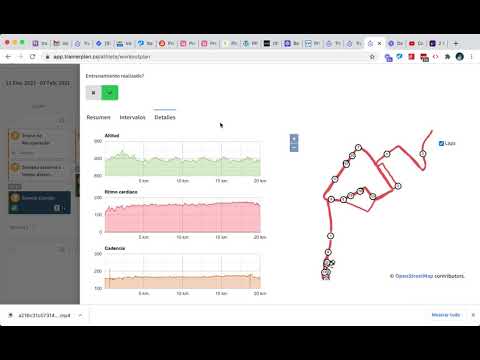 0:34
Details of a workout synced from Garmin/Strava
What data arrives with a synced activity and where to see it.
0:34
Details of a workout synced from Garmin/Strava
What data arrives with a synced activity and where to see it.
-
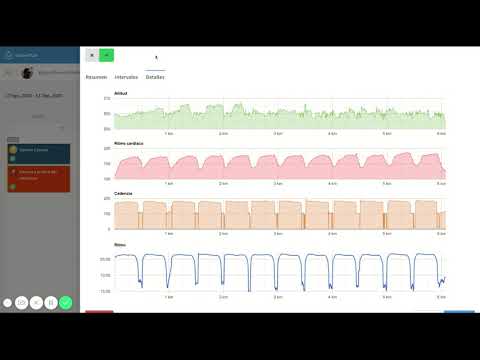 0:23
Strava and Garmin workout charts in TrainerPlan
The power, heart rate and pace charts of every synced activity.
0:23
Strava and Garmin workout charts in TrainerPlan
The power, heart rate and pace charts of every synced activity.
Artificial intelligence
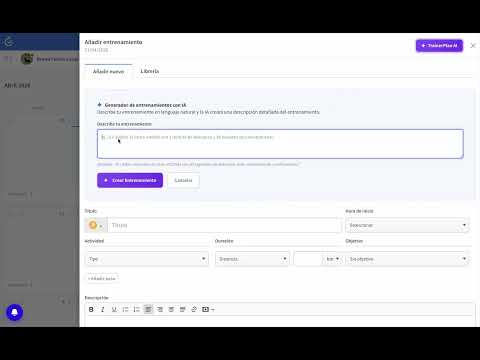
Payments
Every new video lands on YouTube first.
Subscribe to the channelUnlock Your Full Training Potential!
Optimize your routine and reach your goals faster. Sign up today and transform your training with exclusive access to personalized tools and expert content!
Create a FREE account15-day free trial · No credit card needed