


Your brand in TrainerPlan
How to put your logo and colour on TrainerPlan so your athletes see your brand on the web, in the app and in emails, and how to publish your public profile with your services and rates.
Videos are in Spanish. YouTube offers auto-translated subtitles.
What you'll learn
- Upload your logo
- Choose the header colour
- Where your athletes see your brand
- The public profile: description and services
- Rates and social links
- Your public page on trainerplan.co
In this video
Transcript
Translated from the Spanish narration.
0:00 Introduction
Welcome to the eighth TrainerPlan Masterclass. Today it's your brand: how to make sure your athletes see your logo and your colour, and not ours.
0:10 Your logo and your colour
It lives in Settings, under Branding. Upload your logo, pick the colour for the header, and save. That's all there is to it.
0:20 Where your brand appears
And that's it: your logo and your colour are in the header, and that's what your athletes see every time they log in. Same in the emails TrainerPlan sends on your behalf: the invitation, the weekly summary, or a payment reminder.
0:35 In your athlete's app
On their phone, exactly the same. When your athlete opens the app, the first thing they see is your logo in the header, not ours. Your brand, in their pocket, every day.
0:48 Your public profile
Just below is your Public Profile: your own page inside TrainerPlan. Set the name you want to appear under, your web address, a description, the services you offer and your rate. Add your photo and a header image, link your socials, switch it on, and you've got a link to share with anyone who wants to train with you.
1:11 Your page seen from outside
And this is how it looks from the outside: your page, your photo, your description, your services, and a button to get in touch. The link is yours, for WhatsApp or Instagram. Your brand in front, TrainerPlan behind, which is how it should be. Next Masterclass: the session library and your templates. Try it free at trainerplan.co, and subscribe so you don't miss the next one.
More Masterclasses
-
 1:52
Masterclass #9
1:52
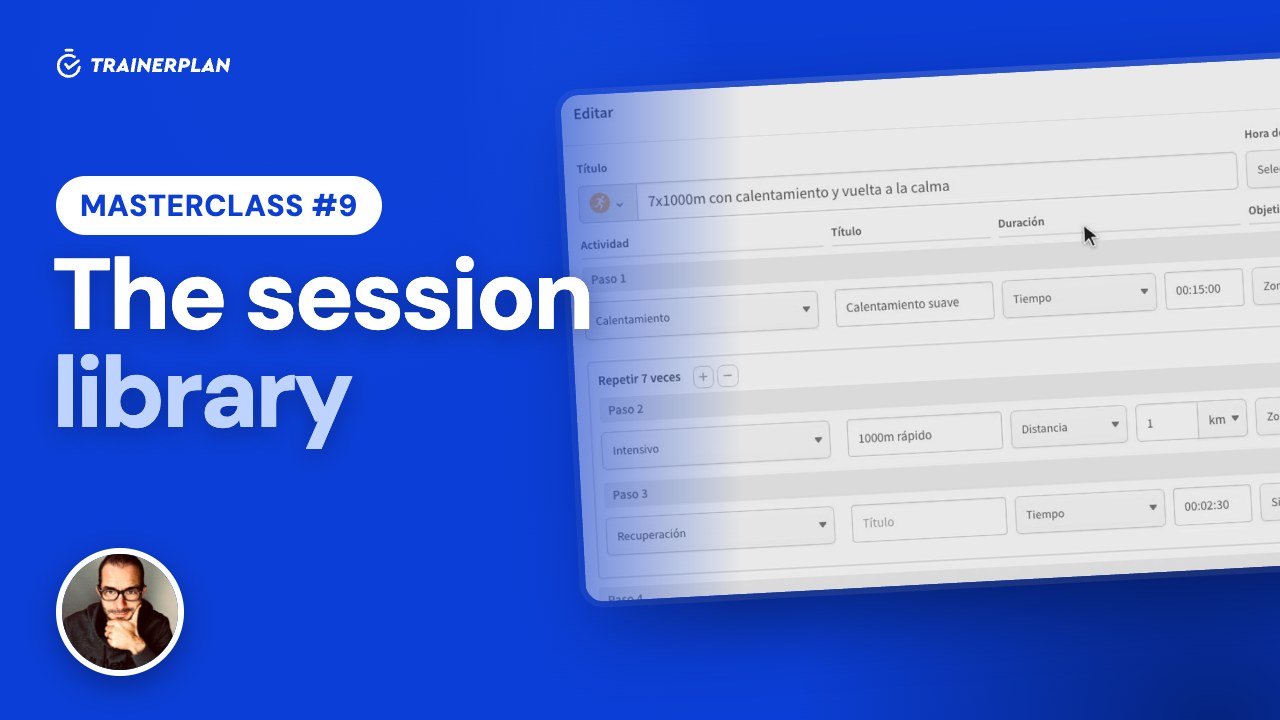
Masterclass #9Masterclass #9 · The session library in TrainerPlan
How to save your sessions as templates in the library, organise them in folders and drag them onto your athletes' calendars, and how to attach your videos and documents to a session.
- The session library
- Create a template
- Folders, move and duplicate
- From the library to the calendar
- Save a session as a template
- Files: videos and documents
-
 2:06
Masterclass #10
2:06
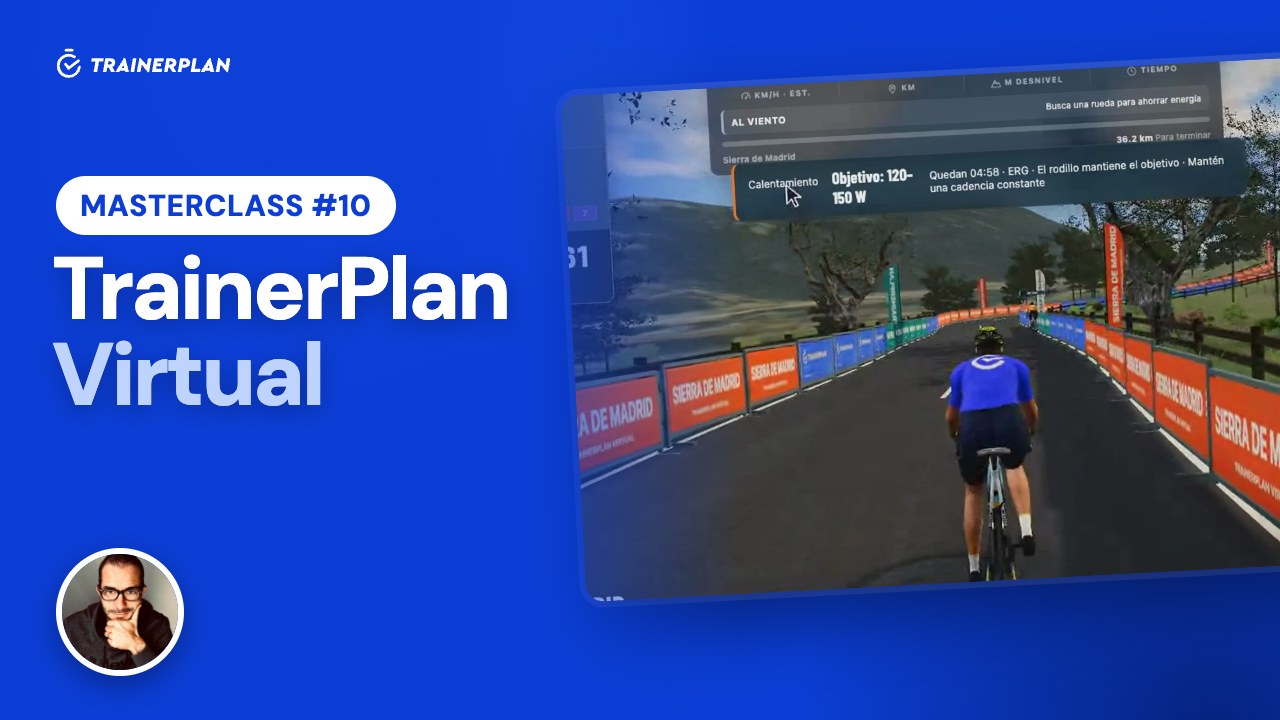
Masterclass #10Masterclass #10 · TrainerPlan Virtual
How your athletes ride the sessions you plan on their indoor trainer: the 3D world of TrainerPlan Virtual, ERG mode, and the session saved to their calendar with its Effort.
- You plan the session
- Entering Virtual
- The session from the calendar
- Connecting the trainer
- ERG mode
- Saving to TrainerPlan
- What the coach sees
Unlock Your Full Training Potential!
Optimize your routine and reach your goals faster. Sign up today and transform your training with exclusive access to personalized tools and expert content!
Create a FREE account15-day free trial · No credit card needed