


First steps in TrainerPlan
How to add your first athlete, set up their zones, build a session step by step, analyse a completed workout and read their dashboard. Everything you need to start coaching with TrainerPlan.
Videos are in Spanish. YouTube offers auto-translated subtitles.
What you'll learn
- Inviting and creating athletes
- Profile and training zones
- Analysing a completed session
- Building a session step by step
- The library and templates
- The dashboard: Fitness, Fatigue and Form
In this video
Transcript
Translated from the Spanish narration.
0:00 Introduction
Welcome to the first TrainerPlan Masterclass. Today we start from scratch: we'll add an athlete, set up their zones, plan their week with a session built in steps and read their results on the dashboard.
0:18 Athletes
This is the Athletes screen. Each row is an athlete, with their weekly compliance, their next event and their last session. You can filter by group, for example the running group, or by plan. And switch between table and cards with these two buttons.
0:35 Adding an athlete
To add someone, click Invite athlete. The quickest way is the invitation link: click Copy and send it by WhatsApp or by email. The athlete signs up, downloads the app and appears in your list. The other option is to create the account yourself: first name, last name and email, and they receive the invitation.
1:01 Profile and zones
Each athlete has their own record. Under Profile you have their basic details and their time zone. Under Best marks you keep their records. Under Body Metrics, their weight, height and resting heart rate. And under Connections you see what they sync with: Garmin, Strava, COROS or whichever watch they use. Now, the most important thing at the start: the zones. They are calculated from the thresholds you enter: maximum and resting heart rate, threshold power or threshold pace. And they are different for each sport: here are the running ones, with the limits of each zone. If you turn on this option, TrainerPlan detects improvements in the workouts and suggests updating the thresholds.
1:49 The calendar
Let's go to the calendar, where you'll spend most of your time. This is a week that is already completed: each card compares what was planned with what the athlete actually did. In green, the sessions that were completed. In yellow, when they fell short or went over. And on the right, the summary of each week: time, distance and training load.
2:09 Analysing a session
If you open a completed session, the steps you planned are at the top. And with Analyze you go into the detail: the pace and heart rate chart for the whole workout, with the smoothing you prefer. And below, the laps one by one: distance, time, pace and heart rate. Everything the watch recorded, without leaving the calendar.
2:32 A session step by step
Now let's create a session in steps. Click the plus on the day and give it a title. The first step is the warm-up: fifteen minutes in zone one. We add another step for the interval: Stamina, four hundred metres, with a pace target of 3:50 to 4:00 minutes per kilometre. With Repeat Step, the interval is repeated six times. And inside the repeat we add the recovery: a minute and a half at a jog. We finish with ten easy minutes. Below, the preview draws the whole session. In the description, a couple of lines in your own words. And when you click Add, the session appears in the calendar and the athlete gets a notification on their phone, with the steps ready to send to their watch.
3:25 Library and templates
If you already have sessions you repeat, there's no need to write them again. Open the library from this icon and drag any template onto the day you want. And from each day's menu you can copy and paste whole days or weeks. This is where your templates live, organised in folders by sport or by plan. Open a folder and you'll see its sessions, which you can edit or drag onto any athlete's calendar.
3:57 The dashboard
Finally, the dashboard. We choose the last six months. Fitness is the training load built up over the last six weeks. Fatigue, that of the last week. And Form is the difference between the two: when it goes up, the athlete arrives fresh. Relative load warns you if you're raising the volume too quickly. And further down, planned versus actual duration, week by week. In the library on the left you have many more charts to drag onto the panel. That's everything you need to get started. In the next Masterclass we'll see how to create complete plans and assign them to several athletes at once. If you don't have an account yet, try it free at trainerplan.co. And subscribe to the channel so you don't miss the next ones.
More Masterclasses
-
 3:20
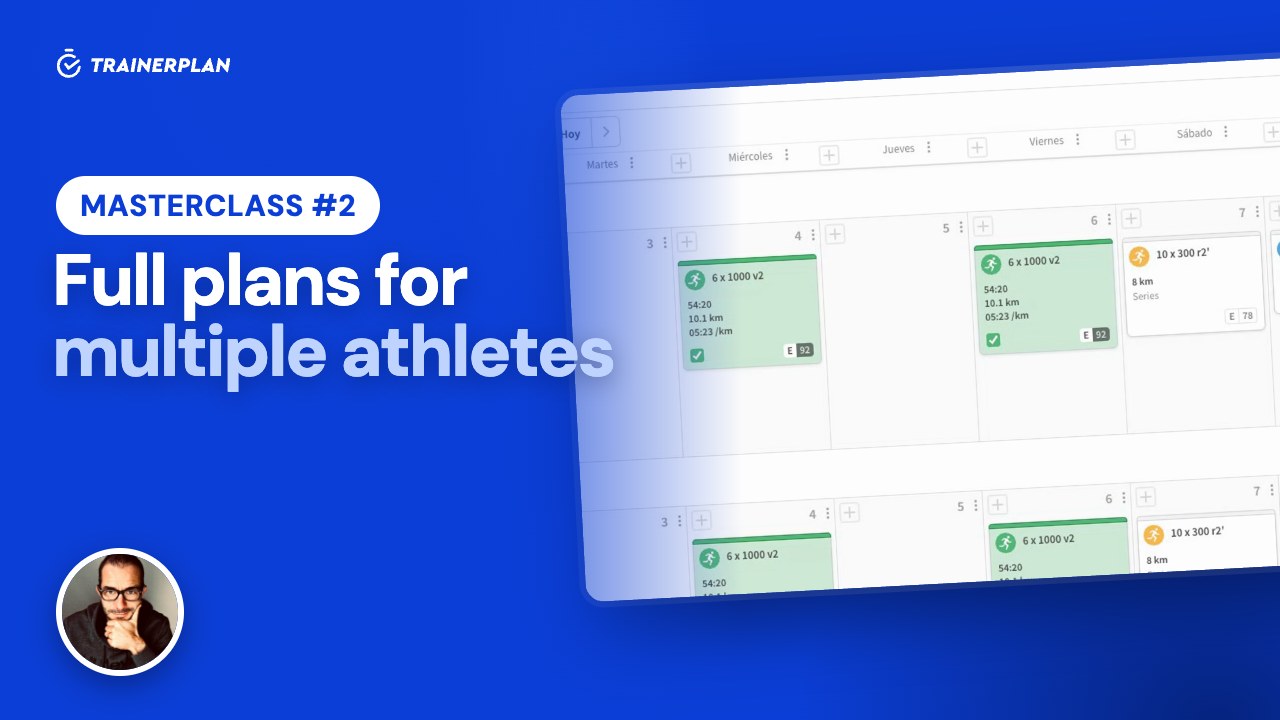
Masterclass #2
3:20
Masterclass #2Masterclass #2 · Full plans for multiple athletes
How to build a plan and assign it to several athletes or a whole group without writing the same week twice, and the difference between static and dynamic plans.
- Static and dynamic plans
- Adding sessions to a plan
- Copying days and whole weeks
- Assigning to athletes and groups
- The group calendar
- What each athlete sees
-
 3:29
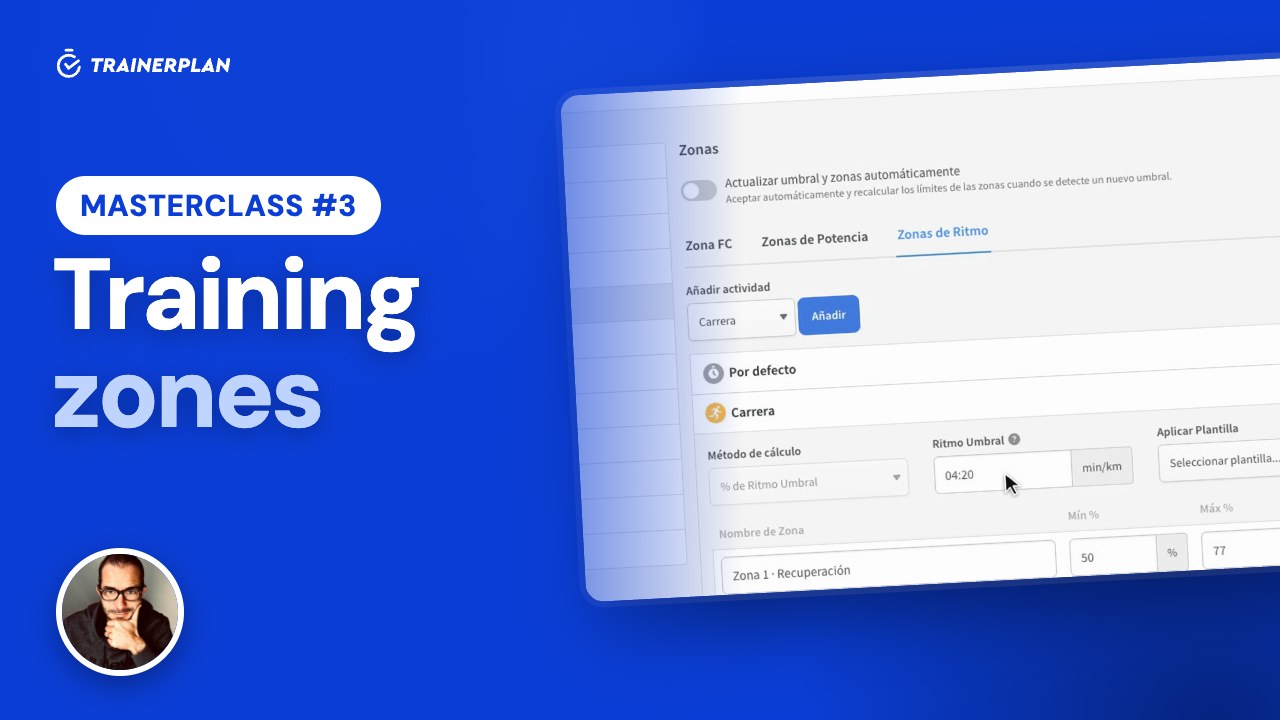
Masterclass #3
3:29
Masterclass #3Masterclass #3 · Training zones in TrainerPlan
How to set up each athlete's heart rate, power and pace zones, use them as targets when planning, and let TrainerPlan detect when their threshold improves.
- Zones by type and by sport
- Calculation methods: max HR, Karvonen and threshold
- Calculate zones or set your own limits
- Power and pace
- Automatic threshold detection
- Time in zones and zone templates
Unlock Your Full Training Potential!
Optimize your routine and reach your goals faster. Sign up today and transform your training with exclusive access to personalized tools and expert content!
Create a FREE account15-day free trial · No credit card needed