


The session library in TrainerPlan
How to save your sessions as templates in the library, organise them in folders and drag them onto your athletes' calendars, and how to attach your videos and documents to a session.
Videos are in Spanish. YouTube offers auto-translated subtitles.
What you'll learn
- The session library
- Create a template
- Folders, move and duplicate
- From the library to the calendar
- Save a session as a template
- Files: videos and documents
In this video
Transcript
Translated from the Spanish narration.
0:00 Introduction
Welcome to the ninth TrainerPlan Masterclass. Today, the library: your sessions saved as templates, so you never write the same workout twice.
0:11 The session library
It's in the menu, under Library. All your sessions live here, each with its sport, its measure and its Effort. You can search by name or filter by activity. And each template keeps everything: the steps, the zones and the description.
0:28 Creating a template
To create a new one, click Add workout. It's the same editor you already know from the calendar: give it a title, a duration and a description. Save, and it's in your library.
0:41 Folders, moving and duplicating
When the list grows, organise it into folders. Tick the sessions, click Move and choose the folder. And Duplicate gives you a copy, to make a variation without touching the original.
0:54 From the library to the calendar
And now the important part: using them. In your athlete's calendar, open the library in the side panel and drag the session to the day you want. The session is copied to the calendar, so you can adjust it for that athlete without changing the template.
1:11 Saving a session as a template
It works the other way round too. When you create a session in the calendar, tick Save as template, and it's saved as a template at the same time.
1:21 Files: videos and documents
In Files you keep your videos, images and documents, also in folders. And from any session, with Add from library, you attach an exercise video or a document. A well-organised library is time you get back every week. In the next Masterclass, TrainerPlan Virtual: your sessions, on your athletes' indoor trainers. Try it free at trainerplan.co, and subscribe so you don't miss the next one.
More Masterclasses
-
 2:06
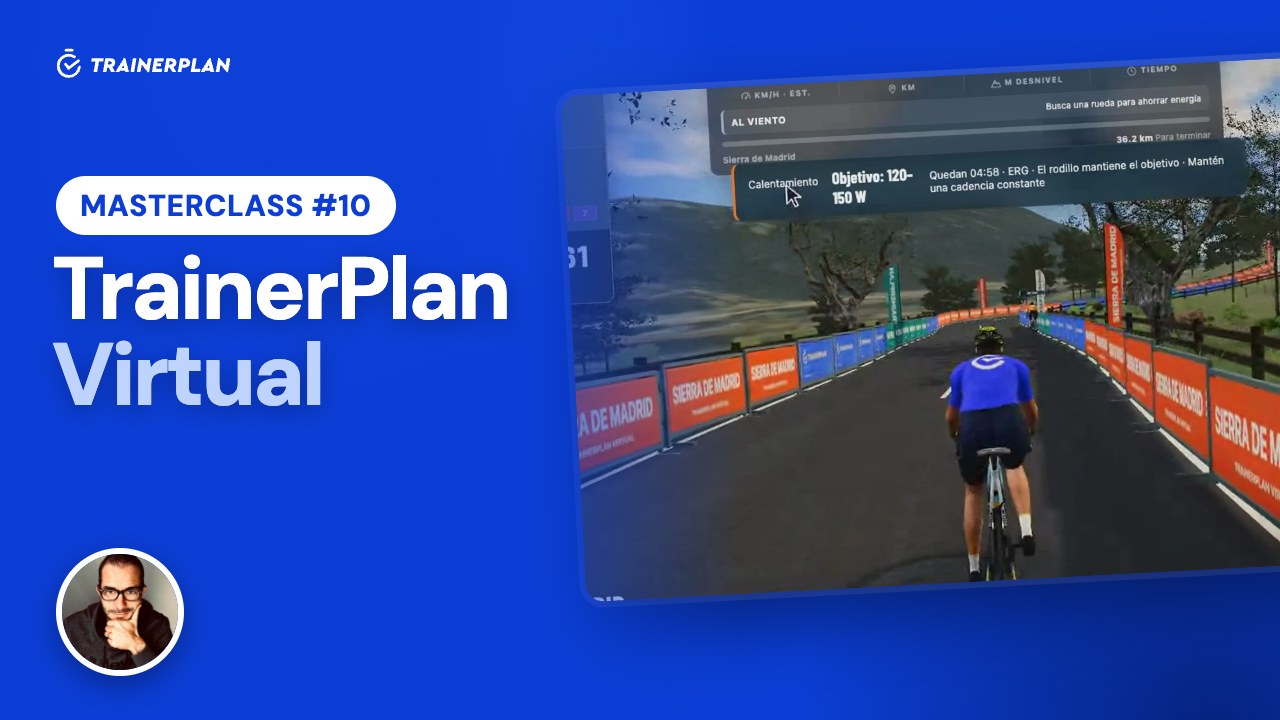
Masterclass #10
2:06
Masterclass #10Masterclass #10 · TrainerPlan Virtual
How your athletes ride the sessions you plan on their indoor trainer: the 3D world of TrainerPlan Virtual, ERG mode, and the session saved to their calendar with its Effort.
- You plan the session
- Entering Virtual
- The session from the calendar
- Connecting the trainer
- ERG mode
- Saving to TrainerPlan
- What the coach sees
-
 4:42
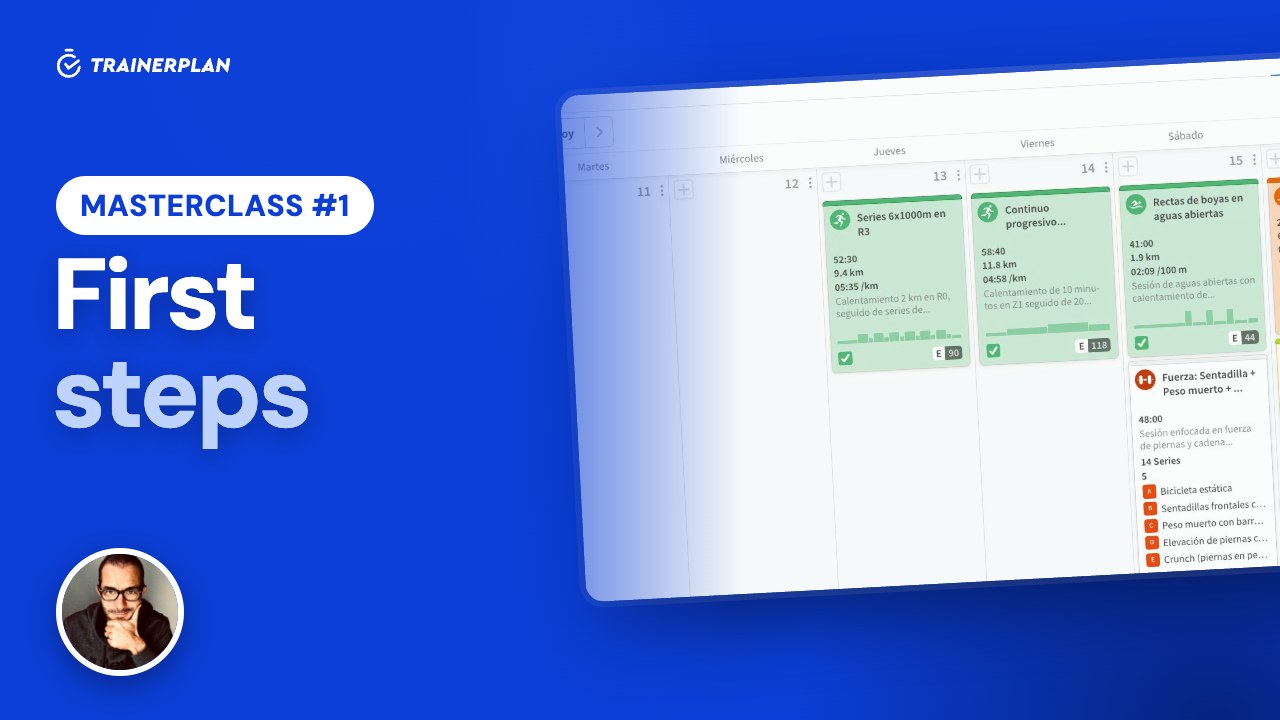
Masterclass #1
4:42
Masterclass #1Masterclass #1 · First steps in TrainerPlan
How to add your first athlete, set up their zones, build a session step by step, analyse a completed workout and read their dashboard. Everything you need to start coaching with TrainerPlan.
- Inviting and creating athletes
- Profile and training zones
- Analysing a completed session
- Building a session step by step
- The library and templates
- The dashboard: Fitness, Fatigue and Form
Unlock Your Full Training Potential!
Optimize your routine and reach your goals faster. Sign up today and transform your training with exclusive access to personalized tools and expert content!
Create a FREE account15-day free trial · No credit card needed