


Analysing a completed workout in TrainerPlan
What you see when your athlete syncs their watch: the workout chart, the laps, the real time in each zone, their peaks and records, an AI-written summary and the conversation with them.
Videos are in Spanish. YouTube offers auto-translated subtitles.
What you'll learn
- The session arrives completed
- The chart: heart rate, pace, power and altitude
- Laps, per-kilometre splits and intervals
- Time in heart rate and pace zones
- Peaks, records and performance curves
- AI summary and comments
In this video
Transcript
Translated from the Spanish narration.
0:00 Introduction
Welcome to the fifth TrainerPlan Masterclass. Today we analyse a completed workout: the chart, the laps, time in zones, and what your athlete did versus what you planned.
0:11 The session arrives completed
When your athlete syncs their watch, the session is marked as completed and arrives with its data: the actual distance, time and pace, and the session's Effort. We open Thursday's.
0:25 The workout chart
Click Analyze and at the top you have the workout chart: altitude, heart rate, power and pace. Each line can be switched on or off, and you can view it by distance or by time.
0:38 Laps, splits and intervals
Below you have the laps: the warm-up, each 1,000-metre interval and the recoveries, with their pace, elevation and heart rate. And if you prefer a different breakdown, open the dropdown: splits per kilometre, or auto intervals, which TrainerPlan detects on its own.
0:56 Time in zones
Time in zones shows where they really were: twenty minutes in zone two, and over half an hour split between tempo and sub-threshold. Right below, the same by pace zones, with this athlete's ranges.
1:10 Peaks and curves
In Peaks you have their best efforts by duration, from five seconds to half an hour, with a mark when they're a personal best. And in Performance Curves, how that heart rate drops as the effort gets longer.
1:23 AI summary
And if you want the summary in two sentences? Click the star: TrainerPlan reads the session, compares it with the latest workouts and tells you what happened.
1:35 Comments with your athlete
Comments holds the conversation with your athlete. They say how they felt, you reply from the same screen, and the star summarises the thread or suggests a reply.
1:47 On the athlete's phone
And your athlete sees the same on their phone: the summary, planned versus actual, their laps and time in zones, without leaving the app. That's how the loop closes: you plan, your athlete trains, and the session comes back with all the detail to decide what's next. In the next Masterclass we plan the season: events and the annual plan. Try it free at trainerplan.co, and subscribe to the channel so you don't miss the next ones.
More Masterclasses
-
 2:26
Masterclass #6
2:26
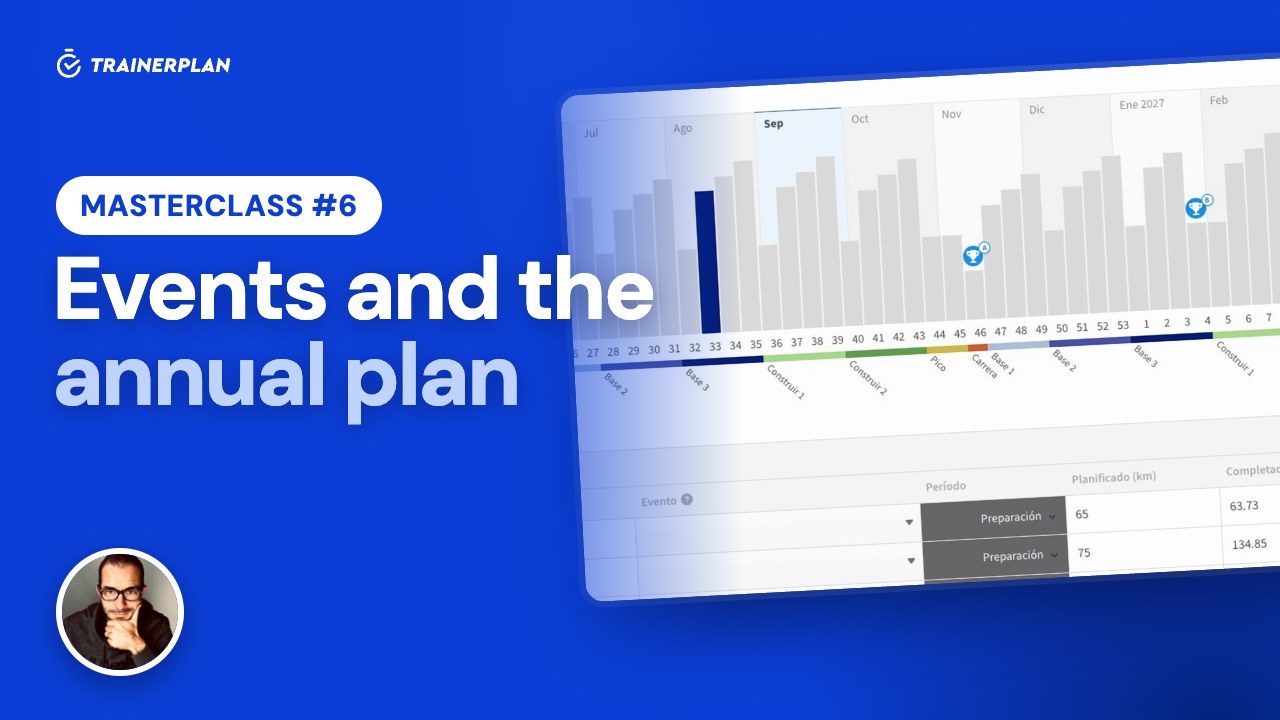
Masterclass #6Masterclass #6 · Events and the annual plan in TrainerPlan
How to add your athlete's races with an A, B or C priority, and build a full season from them: mesocycles, weekly volume and each week's target waiting in the calendar.
- Create a race and add participants
- A, B and C priorities
- The annual plan generator
- Mesocycles and recovery weeks
- Edit the volume week by week
- Planned versus completed
-
 3:09
Masterclass #7
3:09
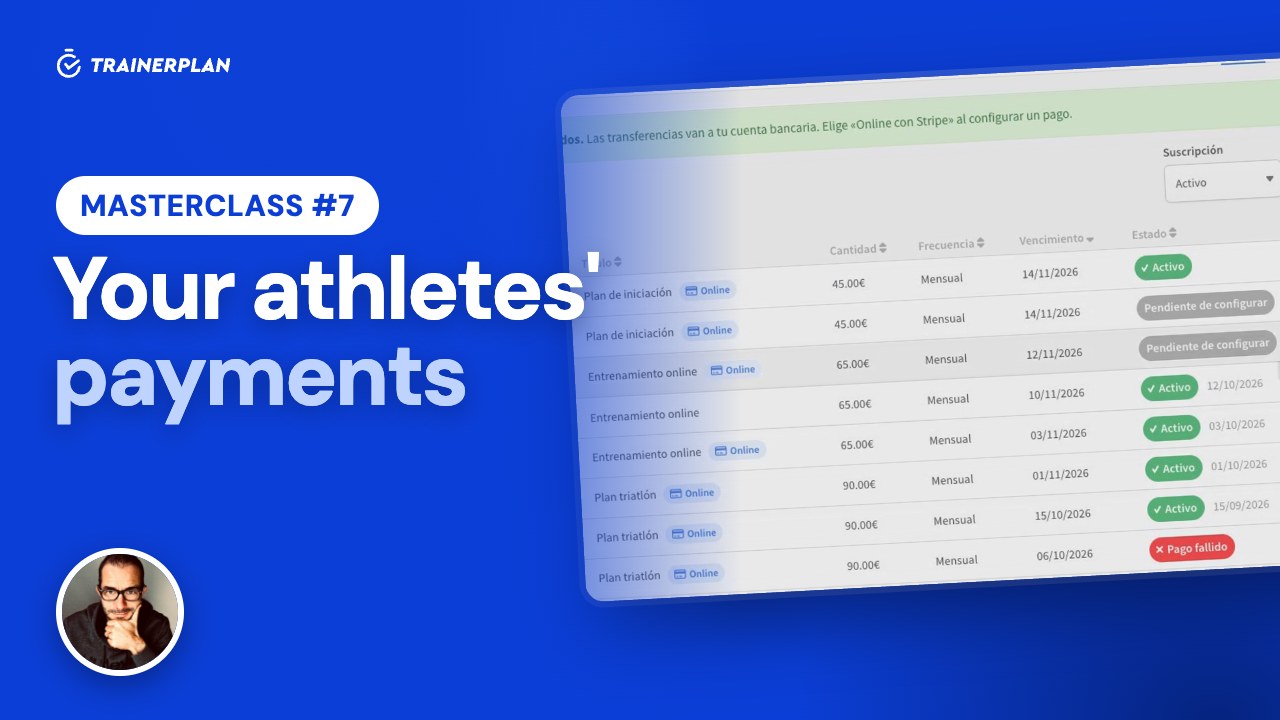
Masterclass #7Masterclass #7 · Your athletes' payments in TrainerPlan
How to get paid by your athletes online with Stripe, with no TrainerPlan commission: connecting your account, products and charges, what your athlete sees when paying, each customer's status, invoices, payouts and manual payments with reminders.
- Connect Stripe, no commission
- Recurring products and one-off payments
- An online charge for one athlete or several
- Your athlete pays by card on Stripe
- Statuses, invoices and payouts
- Manual payments and reminders
Unlock Your Full Training Potential!
Optimize your routine and reach your goals faster. Sign up today and transform your training with exclusive access to personalized tools and expert content!
Create a FREE account15-day free trial · No credit card needed