


Strength training in TrainerPlan
How to build a strength session with the library of more than 7,500 exercises with video, and how your athlete logs it set by set in the app, so you see what they actually did.
Videos are in Spanish. YouTube offers auto-translated subtitles.
What you'll learn
- Exercise library with video
- Sets, reps, weight and other parameters
- Blocks and supersets
- Custom exercises
- The athlete logs the session in the app
- What the coach sees
In this video
Transcript
Translated from the Spanish narration.
0:00 Introduction
Welcome to the fourth TrainerPlan Masterclass. Today it's strength: how to build a session with the exercise library, and how your athlete logs it from their phone.
0:12 Creating a strength session
We start in the athlete's calendar. Click the plus on Thursday, open the activity selector and choose Strength, the new one. And we give it a title: Lower body strength.
0:25 The exercise library
Now, the first exercise. Clicking the name opens the library: more than 7,500 exercises, all with video. You can filter by muscle group, such as Legs, or type what you're looking for: full barbell squat. Each exercise comes with its video and the technique explained step by step. It's the same thing your athlete will see in the app.
0:50 Sets and parameters
On to the sets. Choose four, enter the reps and the weight in the first row, and they're copied to the rest. Each column can be changed: weight as a percentage, RPE, distance, duration or height.
1:04 Blocks and supersets
Add Block creates a second block, B. We search for the barbell Romanian deadlift, same as before, and give it three sets of ten reps, with fifty kilos each. And if you add another exercise within the same block, it becomes a superset: B1 and B2, one after the other. We give the block a name: Posterior chain and core.
1:30 Custom exercises
What if an exercise isn't in the library? Create your own: title, muscle group, parameters, and a YouTube video or one you upload yourself. It's saved in your account to use in any session. For B2, we search for the elbow plank. As it's an isometric exercise, it doesn't count reps: swap the reps column for duration, and remove the weight one. And we set three sets of thirty seconds.
1:58 Saving to the library
Tick Save as template to reuse the session with other athletes, and click Add. It's now in their calendar.
2:08 The athlete in the app
Now, the athlete's side, in the TrainerPlan app. The session appears in their calendar. On opening it they see the blocks, the sets and the weights, and tap Start Training. The timer runs at the top. And if they're unsure about the technique, they tap the exercise video. Each set comes with what you planned, and they mark it as done when they finish it. If they lift a different weight, they change it: here, 62.5 kilos on the third. With the first block done, they move on to the superset in block B: the Romanian deadlift and the plank, with its thirty seconds.
2:48 Completing and rating
When they finish, they tap Complete Training and confirm. Then they say how they felt and their perceived effort, from zero to ten. And that's it: the session is logged, with the duration and the perceived training load.
3:01 What the coach sees
And you, as the coach, see it in your app. Open the session: the third set shows the 62.5 kilos they actually lifted, and below you have the summary: blocks, sets, duration and Effort. And if you need to adjust the session, tap Edit: you have the same blocks, sets and parameters as on the web. That's how you build strength work in TrainerPlan, and know what your athlete actually did. In the next Masterclass we'll see how to analyse a completed workout. Try it free at trainerplan.co, and subscribe to the channel so you don't miss the next ones.
More Masterclasses
-
 2:21
Masterclass #5
2:21
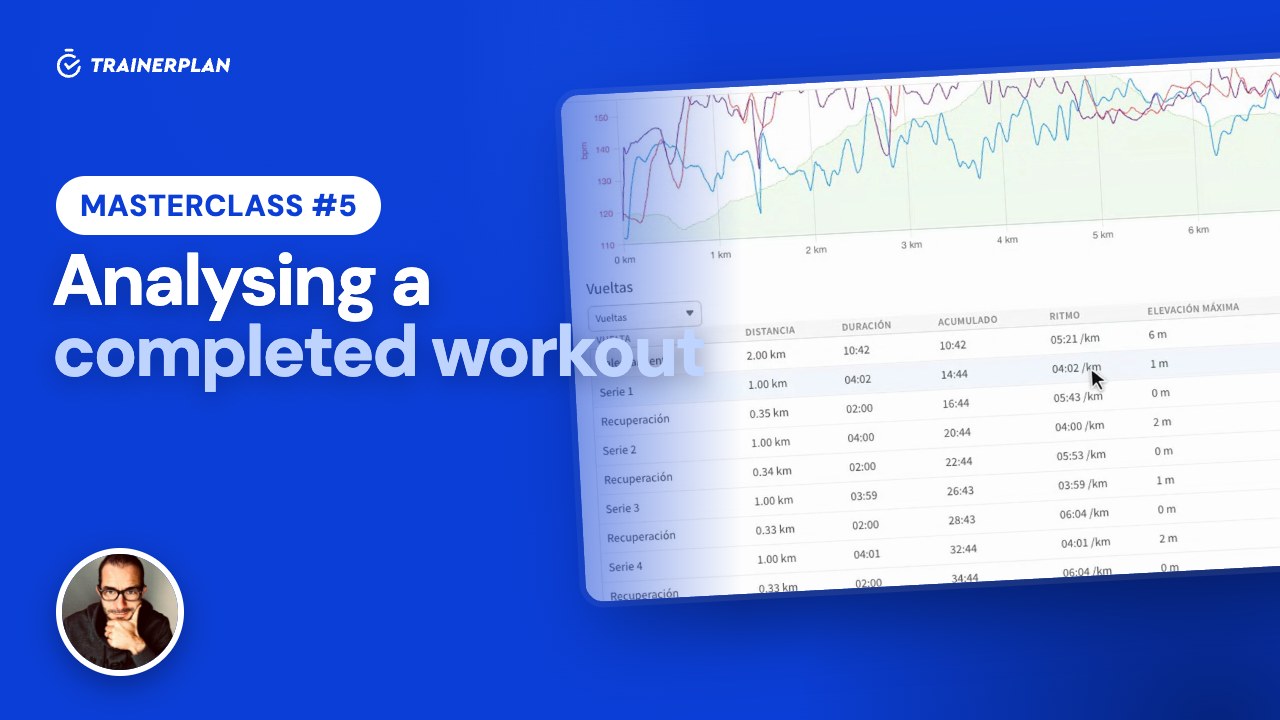
Masterclass #5Masterclass #5 · Analysing a completed workout in TrainerPlan
What you see when your athlete syncs their watch: the workout chart, the laps, the real time in each zone, their peaks and records, an AI-written summary and the conversation with them.
- The session arrives completed
- The chart: heart rate, pace, power and altitude
- Laps, per-kilometre splits and intervals
- Time in heart rate and pace zones
- Peaks, records and performance curves
- AI summary and comments
-
 2:26
Masterclass #6
2:26
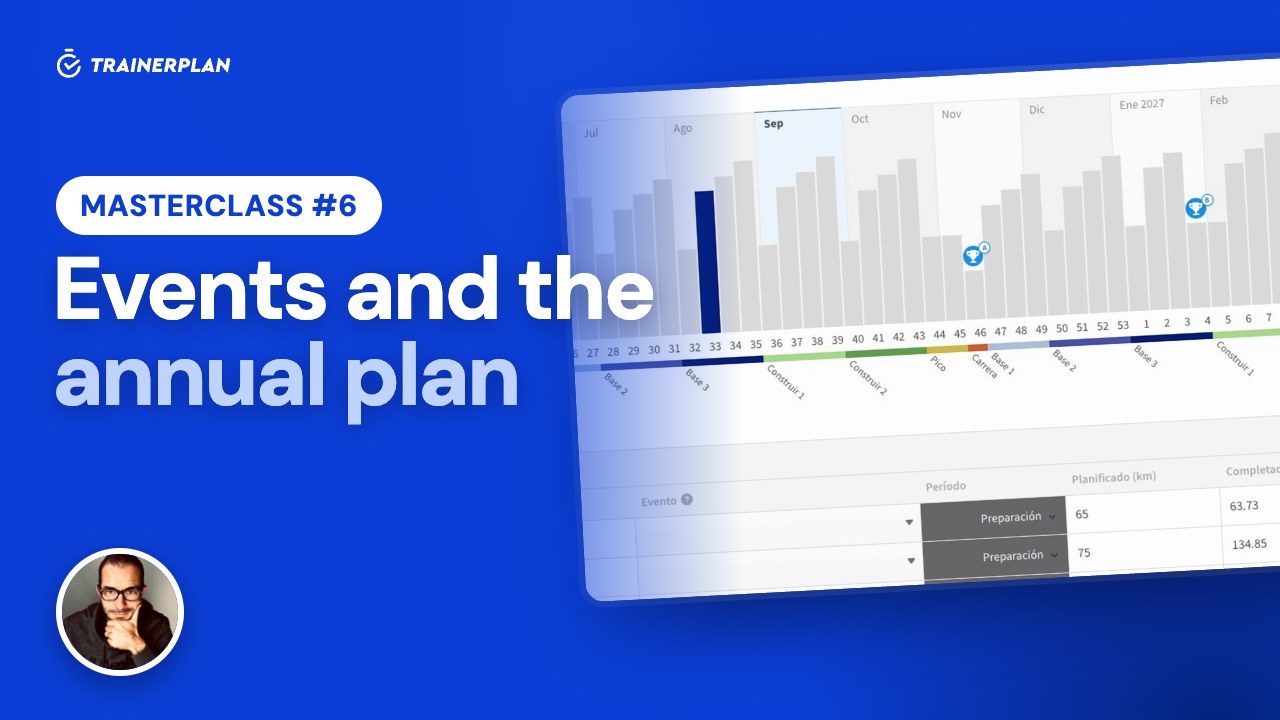
Masterclass #6Masterclass #6 · Events and the annual plan in TrainerPlan
How to add your athlete's races with an A, B or C priority, and build a full season from them: mesocycles, weekly volume and each week's target waiting in the calendar.
- Create a race and add participants
- A, B and C priorities
- The annual plan generator
- Mesocycles and recovery weeks
- Edit the volume week by week
- Planned versus completed
Unlock Your Full Training Potential!
Optimize your routine and reach your goals faster. Sign up today and transform your training with exclusive access to personalized tools and expert content!
Create a FREE account15-day free trial · No credit card needed