


Events and the annual plan in TrainerPlan
How to add your athlete's races with an A, B or C priority, and build a full season from them: mesocycles, weekly volume and each week's target waiting in the calendar.
Videos are in Spanish. YouTube offers auto-translated subtitles.
What you'll learn
- Create a race and add participants
- A, B and C priorities
- The annual plan generator
- Mesocycles and recovery weeks
- Edit the volume week by week
- Planned versus completed
In this video
Transcript
Translated from the Spanish narration.
0:00 Introduction
Welcome to the sixth TrainerPlan Masterclass. Today we plan the whole season: your athlete's races, and the annual plan that's built around them.
0:12 Creating the race and its participants
It all starts with the races. In Events, Add event: the title, the date, and the priority, from A to C, which is what the plan will use later to organise the season. You choose the sport and the distance, and add the athletes who are going to race it, searching for them by name. When you save, the race appears in their calendar.
0:36 Annual Planning
With the races in place, we open the athlete and go to the annual plan, ATP. This is where their seasons live, and we create a new one with New Annual Plan.
0:48 The season generator
The generator asks only what it needs: name, start and end dates, whether you measure in duration, distance or Effort, the weekly average, and how often you want a recovery week. Below you add the season's races, each with its priority: A races get a full peak and taper, and B races just a short taper. And you generate.
1:12 The season at a glance
In seconds you have the whole season: each week's volume, the races marked with their priority, and below the mesocycles, from base to build, peak, race and transition, with a recovery week every four. At the top, the total for the year.
1:29 Week by week, editable
The same season, as a table: each week with its event, its period and the planned volume. And everything is editable: you change a week's mesocycle, or adjust its volume by hand.
1:42 Planned versus completed
And this doesn't stay on paper. As your athlete trains, the completed column fills in on its own, and the chart's bars fill with what they've actually done, on top of what you had planned.
1:56 Saving and seeing it in the calendar
When you're happy with it, click Save plan. From that moment, each week's target stays with you in the calendar, next to what your athlete is completing. That's the season set: races first, the annual plan around them, and the day-to-day in the calendar. In the next Masterclass we'll look at payments: charging your athletes from TrainerPlan. Try it free at trainerplan.co, and subscribe to the channel so you don't miss the next ones.
More Masterclasses
-
 3:09
Masterclass #7
3:09
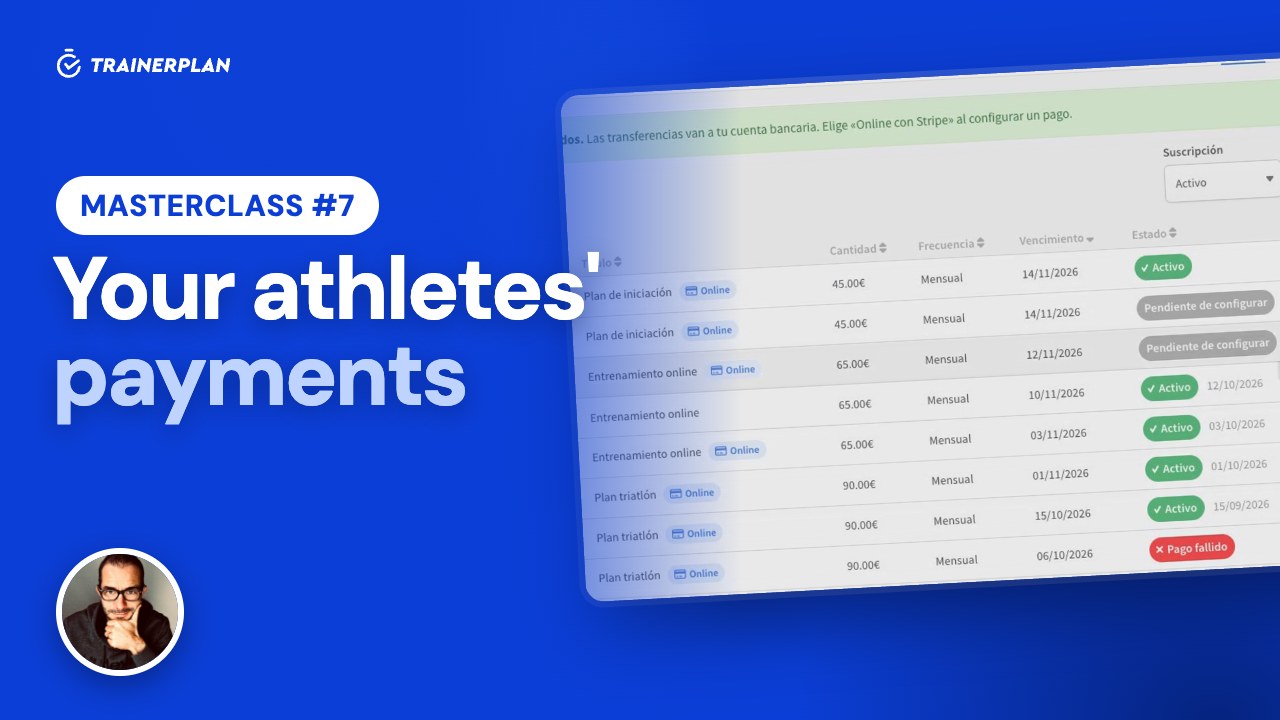
Masterclass #7Masterclass #7 · Your athletes' payments in TrainerPlan
How to get paid by your athletes online with Stripe, with no TrainerPlan commission: connecting your account, products and charges, what your athlete sees when paying, each customer's status, invoices, payouts and manual payments with reminders.
- Connect Stripe, no commission
- Recurring products and one-off payments
- An online charge for one athlete or several
- Your athlete pays by card on Stripe
- Statuses, invoices and payouts
- Manual payments and reminders
-
 1:40
Masterclass #8
1:40
Masterclass #8Masterclass #8 · Your brand in TrainerPlan
How to put your logo and colour on TrainerPlan so your athletes see your brand on the web, in the app and in emails, and how to publish your public profile with your services and rates.
- Upload your logo
- Choose the header colour
- Where your athletes see your brand
- The public profile: description and services
- Rates and social links
- Your public page on trainerplan.co
Unlock Your Full Training Potential!
Optimize your routine and reach your goals faster. Sign up today and transform your training with exclusive access to personalized tools and expert content!
Create a FREE account15-day free trial · No credit card needed