


Full plans for multiple athletes
How to build a plan and assign it to several athletes or a whole group without writing the same week twice, and the difference between static and dynamic plans.
Videos are in Spanish. YouTube offers auto-translated subtitles.
What you'll learn
- Static and dynamic plans
- Adding sessions to a plan
- Copying days and whole weeks
- Assigning to athletes and groups
- The group calendar
- What each athlete sees
In this video
Transcript
Translated from the Spanish narration.
0:00 Introduction
Welcome to the second TrainerPlan Masterclass. Today we're going to create a complete plan and assign it to several athletes at once, without writing the same week twice.
0:11 Static and dynamic
In Plans you have two tabs, and the difference between them is the most important thing in this video. A static plan is a template: weeks and days, with no dates. A dynamic plan lives on real calendar dates and is shared live with the athletes who follow it.
0:31 Inside a static plan
This is a static plan on the inside: Week 1, Day 1, Day 2, and not a single date. Each week is copied, renamed or deleted as a whole. It's the template you'll reuse season after season, with each athlete starting on the day that suits them.
0:51 Inside a dynamic plan
And this is a dynamic one: the same calendar you already know, with the sessions on real dates. The difference is that this isn't an athlete's calendar, it's the plan's. What you change here reaches everyone who follows it at the same time.
1:05 Adding sessions to the plan
You build it just like an athlete's calendar: click the plus on the day, give it a title, choose the sport and the duration, and add the steps you want. When you save, the session sits inside the plan, ready for everyone who follows it.
1:24 Copying days and weeks
And there's a shortcut that saves a huge amount of time. Click the header of a day to select it, and Shift plus click to pick a whole range. Open the day's menu, click Copy, go to the week you want and click Paste: the days are copied in the same order. The menu also opens with a right click, right where your mouse is.
1:49 Assigning to athletes
When the plan is ready, click Assign. You tick the athletes who are going to follow it and, if you tick this box, the plan is only added from today onwards, without touching the days that have already passed. Click Assign plan and the sessions appear in each athlete's calendar.
2:07 Assigning to a group
And in the Groups tab you assign the same plan to a whole team in one go. One click, and the whole group has its season planned.
2:18 The group calendar
In Groups you also have the group calendar: one week per athlete, one below the other. At a glance you see who is keeping up and who isn't, and you can copy a session from one athlete to another without leaving here. Inside the plan, the Athletes tab tells you who is following it, and from there you can remove someone when their block ends.
2:48 What the athlete sees
One last important thing: how many weeks ahead the athlete sees is up to you, in each athlete's settings. That way you can have the whole plan built while they only see the next few weeks. With this you can now plan for all your athletes without repeating work. In the next Masterclass we'll look at training zones in depth: thresholds, zones by sport and how TrainerPlan detects your improvements. Try it free at trainerplan.co, and subscribe to the channel so you don't miss the next ones.
More Masterclasses
-
 3:29
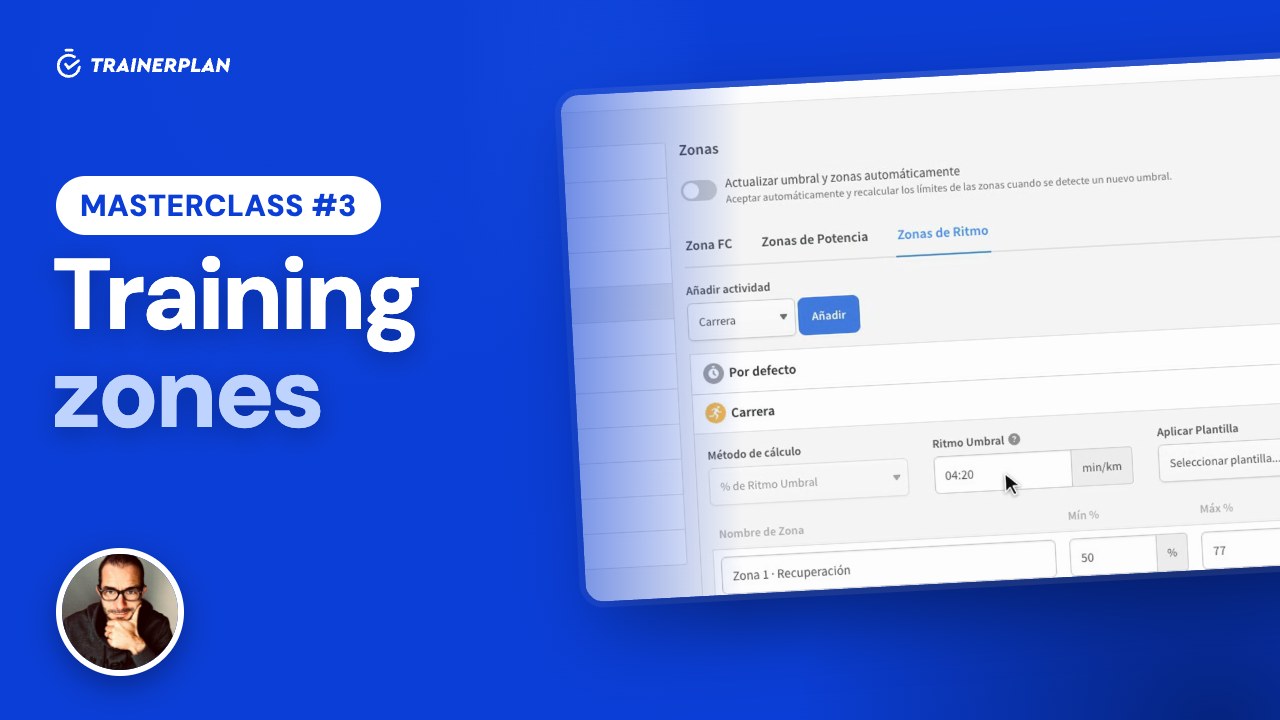
Masterclass #3
Masterclass #3 · Training zones in TrainerPlan
How to set up each athlete's heart rate, power and pace zones, use them as targets when planning, and let TrainerPlan detect when their threshold improves.
- Zones by type and by sport
- Calculation methods: max HR, Karvonen and threshold
- Calculate zones or set your own limits
- Power and pace
- Automatic threshold detection
- Time in zones and zone templates
-
 3:40
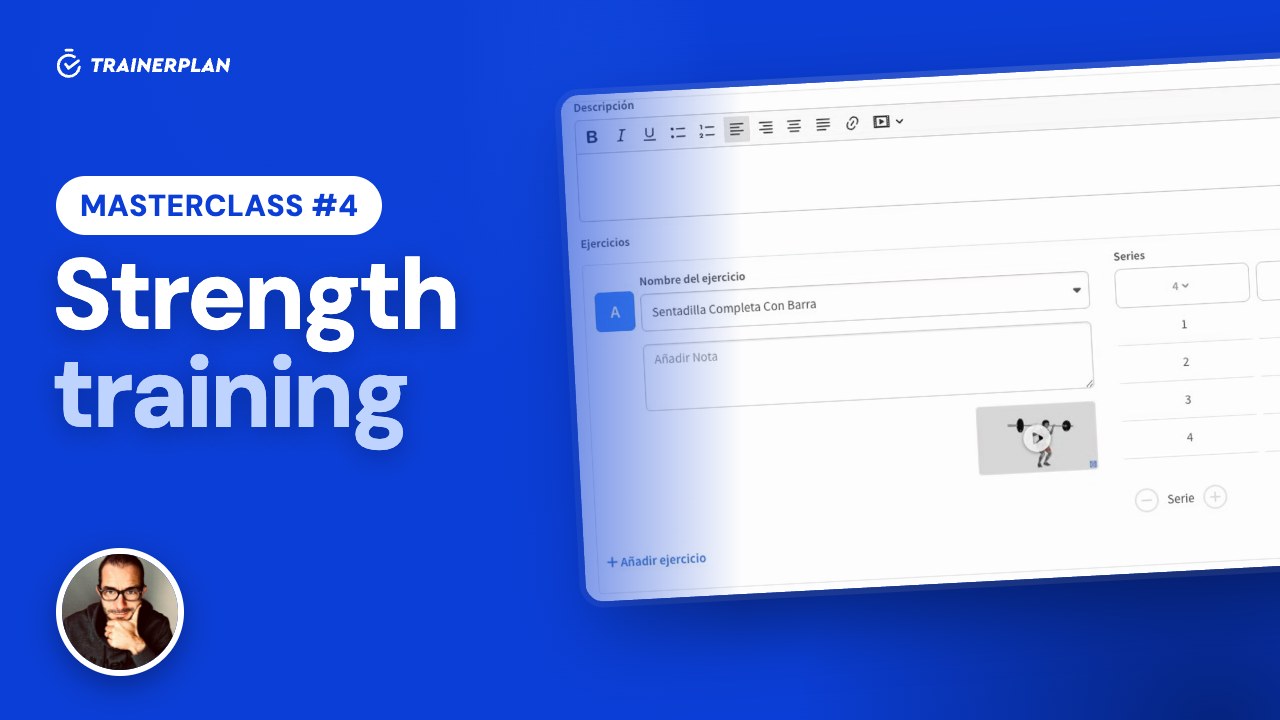
Masterclass #4
Masterclass #4 · Strength training in TrainerPlan
How to build a strength session with the library of more than 7,500 exercises with video, and how your athlete logs it set by set in the app, so you see what they actually did.
- Exercise library with video
- Sets, reps, weight and other parameters
- Blocks and supersets
- Custom exercises
- The athlete logs the session in the app
- What the coach sees
Unlock Your Full Training Potential!
Optimize your routine and reach your goals faster. Sign up today and transform your training with exclusive access to personalized tools and expert content!
Create a FREE account15-day free trial · No credit card needed