


Get started with TrainerPlan
Everything an athlete can do for free on the web and in the app, with a coach or on their own: the calendar, planned sessions, zones, connecting a watch on the web and in the app, analysis, strength set by set, chatting with the coach, races and progress.
Videos are in Spanish. YouTube offers auto-translated subtitles.
What you'll learn
- Your calendar
- If you have a coach
- If you train on your own
- A planned session
- Your zones
- Your watch, on the web and in the app
- Analyse your session
- Strength, set by set
- Your races and your progress
In this video
- 0:00 Introduction
- 0:14 Your calendar
- 0:32 If you have a coach
- 0:46 If you train on your own
- 1:03 A planned session
- 1:19 Your zones
- 1:36 Connect your watch
- 1:48 Your watch in the app
- 2:04 Analyse your session
- 2:17 Strength, set by set (app)
- 2:33 Talk to your coach (app)
- 2:45 Your races (app)
- 3:01 Your progress (app)
Transcript
Translated from the Spanish narration.
0:00 Introduction
Welcome to TrainerPlan's Masterclass for athletes. In this first video we look at everything you can do for free, on the web and in the app, whether you have a coach or train on your own.
0:14 Your calendar
This is your calendar. Your watch's activities arrive here on their own, along with what you have planned: green for what you completed, yellow for what fell short or went over. The E is each session's effort, and on the right you have the week's summary: time, distance and load.
0:32 If you have a coach
If you have a coach, what they plan for you shows up here. If you signed up with their invitation, you're already connected. If not, in the app go to Settings, My Coach, type their email and send the request.
0:46 If you train on your own
If you train on your own, My Plans has the store: complete plans created by coaches. You buy one, choose the start date and it goes onto your calendar. And with Athlete Premium you plan your own training or let the AI help: we'll see it in the next Masterclass.
1:03 A planned session
Open a planned session to see what's on: the description and each step with its target, pace, heart rate or power, calculated from your own zones. Repeats are grouped, with the recovery between them.
1:19 Your zones
That's why it pays to keep your zones up to date. In My Profile, Zones, enter your maximum and resting heart rate, your threshold pace or your power, and save. Each sport has its own, and if you have a coach, they can also adjust them for you.
1:36 Connect your watch
Connect your watch once. On the web, in Connect your device, you choose yours: Garmin, COROS, Polar, Suunto, Wahoo or Strava.
1:48 Your watch in the app
In the app it's the same: Settings, Connections, and switch on your watch, including Apple Watch on iPhone. From then on, planned workouts are sent to your watch, and when you complete them they sync to TrainerPlan on their own.
2:04 Analyse your session
When you finish, the session comes back completed. Open it and click Analyze: the chart with your pace, your heart rate and the elevation, and below, your laps one by one. So you see at a glance what was planned against what you actually did.
2:17 Strength, set by set (app)
In the app, strength sessions are followed set by set. Tap Start Workout, watch the video of each exercise, adjust the weight or the reps and tick each set when you finish it. At the end, note how hard it was.
2:33 Talk to your coach (app)
If you have a coach, you talk to them in the Comments on each workout, to tell them how that session went, and in Chats, for everything else, with photos, files and voice notes.
2:45 Your races (app)
Add your races too. On the Dashboard, tap Add next to Upcoming events, enter the name and the date and choose the priority: A for your main goal. If you have a coach, they will see it and plan around it.
3:01 Your progress (app)
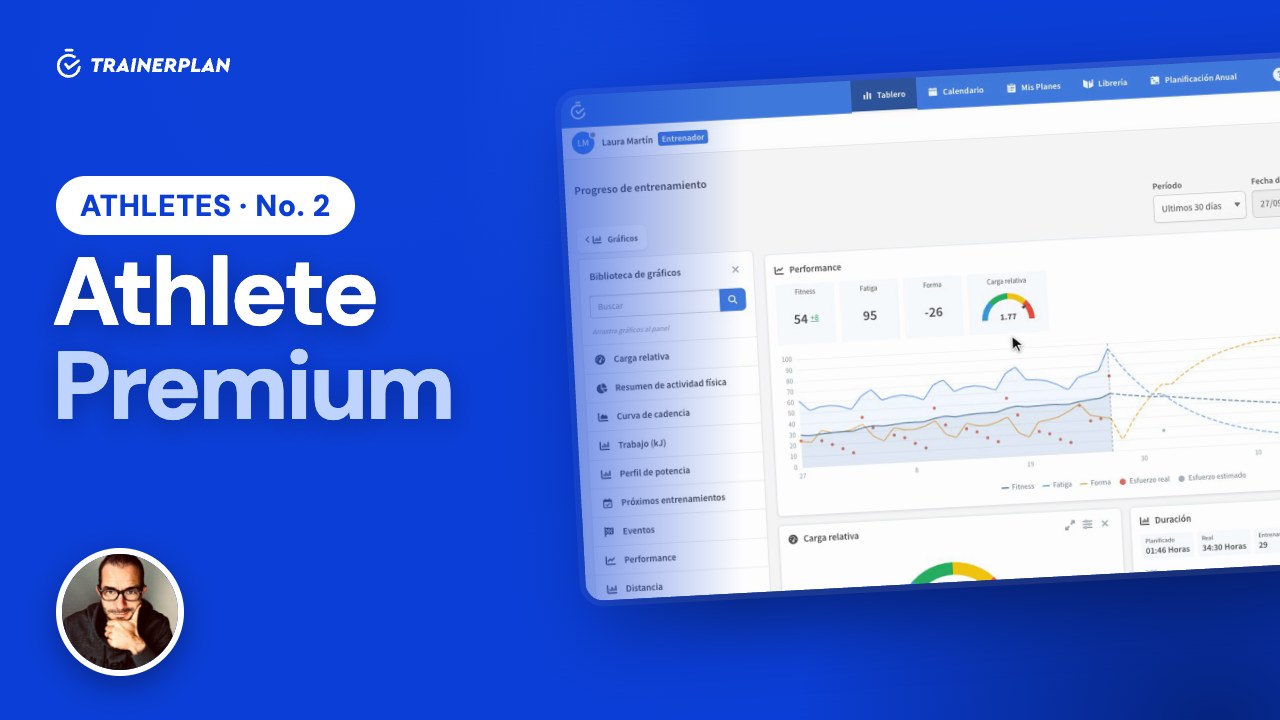
And in Analysis you have your own board of charts: distance, duration, effort or your weight, week by week. Tap Add graph to pick the ones you want and drag them to reorder them. All of this is free, with or without a coach, on the web and in the app. And if you want to go further, in the next Masterclass we look at Athlete Premium: planning your season, your form and the artificial intelligence tools. Subscribe to the channel so you don't miss it.
More Masterclasses
Unlock Your Full Training Potential!
Optimize your routine and reach your goals faster. Sign up today and transform your training with exclusive access to personalized tools and expert content!
Create a FREE account15-day free trial · No credit card needed