


Training zones in TrainerPlan
How to set up each athlete's heart rate, power and pace zones, use them as targets when planning, and let TrainerPlan detect when their threshold improves.
Videos are in Spanish. YouTube offers auto-translated subtitles.
What you'll learn
- Zones by type and by sport
- Calculation methods: max HR, Karvonen and threshold
- Calculate zones or set your own limits
- Power and pace
- Automatic threshold detection
- Time in zones and zone templates
In this video
Transcript
Translated from the Spanish narration.
0:00 Introduction
Welcome to the third TrainerPlan Masterclass. Today we're looking at training zones: how to set them up, how to use them when planning, and how TrainerPlan detects when your athlete has improved.
0:13 Where the zones are
The zones are in each athlete's profile, under Zones. There are three types: heart rate, power and pace. And within each type, each sport has its own, because heart rate when running isn't the same as on the bike. From here you add zones for another sport.
0:32 Heart rate calculation methods
Each sport chooses its calculation method. In cycling, for example, you can use the percentage of maximum heart rate, or of heart rate reserve, which is the Karvonen method. And in running, the percentage of lactate threshold: you enter the threshold heart rate, and maximum and resting heart rate are always requested.
0:53 Calculate and save
When a value changes, for example the threshold goes up to one hundred and seventy-four, you click Calculate zones and all the ranges are recalculated. And if you prefer to set your own limits, type them in by hand and click Save directly: they are saved as they are, without recalculating.
1:10 Power and pace
In power, the zones are a percentage of FTP: here, two hundred and fifty watts and seven zones. And in pace, a percentage of threshold pace, with each sport's unit: minutes per kilometre when running, and minutes per hundred metres when swimming.
1:30 Threshold detection
And now, the best part. Every time a workout is synced, TrainerPlan looks for a new threshold: the best twenty- and sixty-minute power, the same with heart rate, and the best sustained pace running or swimming. And it only suggests improvements.
1:51 Accepting a new threshold
When it finds one, it lets you know. You see the current threshold, the suggested one and the workout it comes from. You click Accept, and the zones recalculate by themselves. And if you turn on this switch, TrainerPlan applies it automatically, without asking you.
2:10 Zones as targets
The zones work for you when you plan. When you create a session, choose HR Zone as the target and you'll see this athlete's zones with their real heart rates. And when the session reaches their Garmin, COROS, Suunto or Wahoo, the target goes as that exact range.
2:32 Time in zones
And after the workout, in Analyze you have the time in each zone. Here, half an hour in zone two, and about twenty minutes between Tempo and SubThreshold. And the same with pace, just below.
2:49 Zone templates
If you use the same zone model with many athletes, create a template. In Zone Templates you save only the names and the percentages. Then, in each athlete, you choose Apply Template and the ranges are calculated with their own thresholds. Save, and that's it. With the zones set up properly, every session and every analysis speak your athlete's language. In the next Masterclass we'll look at strength training: the exercise library, the blocks and what the athlete logs. Try it free at trainerplan.co, and subscribe to the channel so you don't miss the next ones.
More Masterclasses
-
 3:40
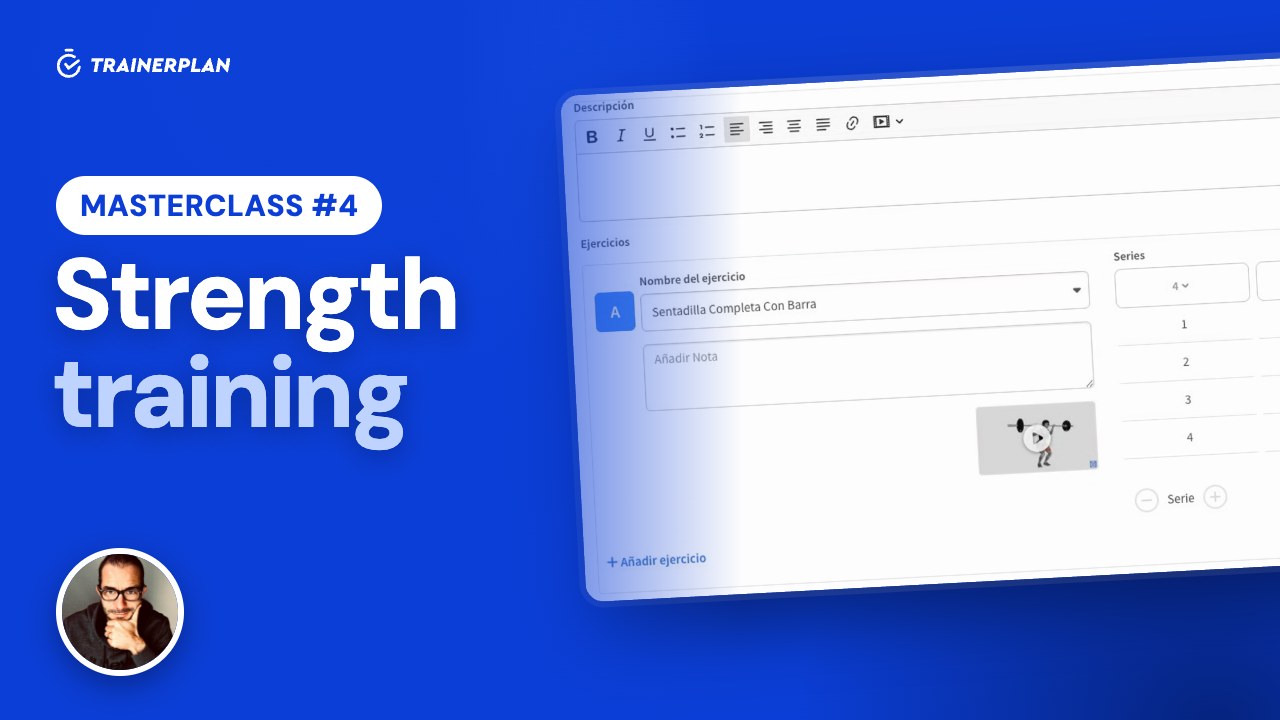
Masterclass #4
3:40
Masterclass #4Masterclass #4 · Strength training in TrainerPlan
How to build a strength session with the library of more than 7,500 exercises with video, and how your athlete logs it set by set in the app, so you see what they actually did.
- Exercise library with video
- Sets, reps, weight and other parameters
- Blocks and supersets
- Custom exercises
- The athlete logs the session in the app
- What the coach sees
-
 2:21
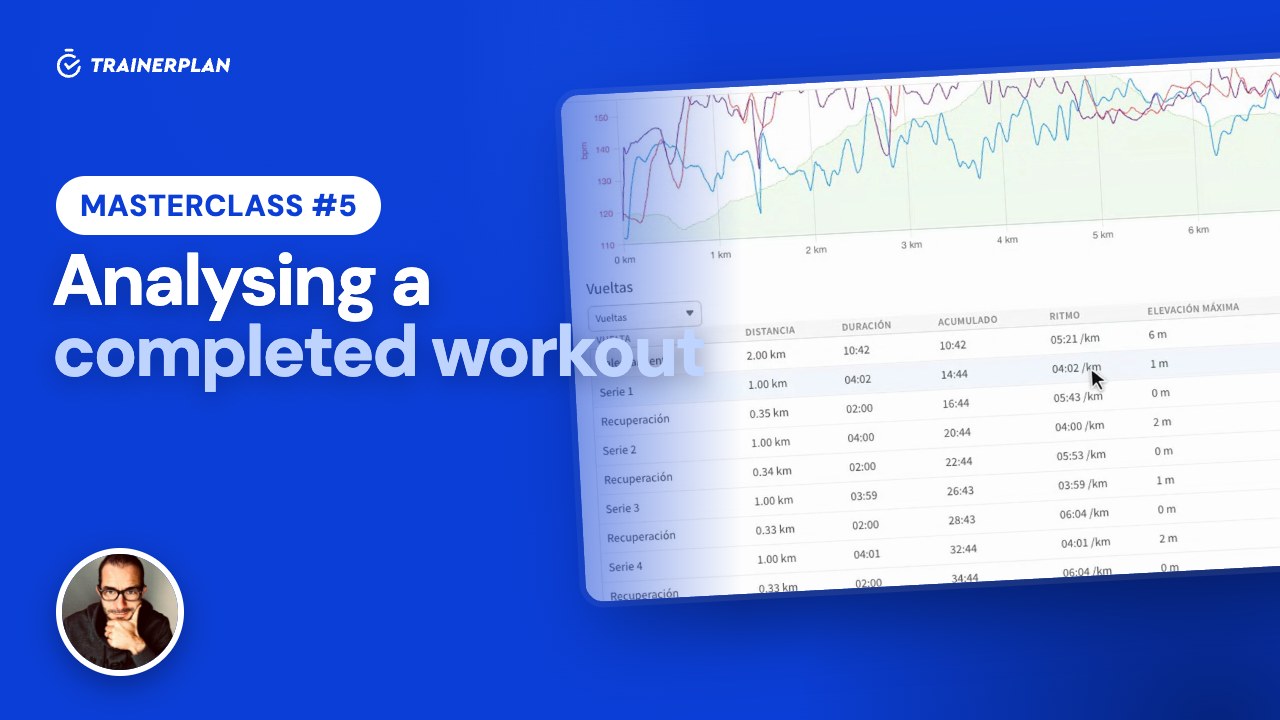
Masterclass #5
2:21
Masterclass #5Masterclass #5 · Analysing a completed workout in TrainerPlan
What you see when your athlete syncs their watch: the workout chart, the laps, the real time in each zone, their peaks and records, an AI-written summary and the conversation with them.
- The session arrives completed
- The chart: heart rate, pace, power and altitude
- Laps, per-kilometre splits and intervals
- Time in heart rate and pace zones
- Peaks, records and performance curves
- AI summary and comments
Unlock Your Full Training Potential!
Optimize your routine and reach your goals faster. Sign up today and transform your training with exclusive access to personalized tools and expert content!
Create a FREE account15-day free trial · No credit card needed