


TrainerPlan Virtual
How your athletes ride the sessions you plan on their indoor trainer: the 3D world of TrainerPlan Virtual, ERG mode, and the session saved to their calendar with its Effort.
Videos are in Spanish. YouTube offers auto-translated subtitles.
What you'll learn
- You plan the session
- Entering Virtual
- The session from the calendar
- Connecting the trainer
- ERG mode
- Saving to TrainerPlan
- What the coach sees
In this video
Transcript
Translated from the Spanish narration.
0:00 Introduction
Welcome to a new TrainerPlan Masterclass. Today, TrainerPlan Virtual: the 3D world where your athletes do the sessions you schedule on the indoor trainer, without leaving TrainerPlan. It's in beta, and this is how it works today.
0:15 You schedule the session
Nothing changes for you. You schedule the session in your athlete's calendar as usual: warm-up, intervals with their power target, and cool-down.
0:25 Entering Virtual
Your athlete opens Virtual from the TrainerPlan menu, on a computer, with Chrome or Edge. They choose whether to ride or run, and the route: a flat circuit by the sea, the Sierra de Madrid, central Madrid or the hills of Richmond.
0:42 The session from the calendar
Under Workouts they see what is scheduled for these days, with its steps and targets, calculated from their own zones.
0:51 Connecting the indoor trainer
They connect their indoor trainer or power meter over Bluetooth, and if they like, their heart rate strap. As soon as the watts come through, they're ready to go.
1:06 Time to ride
And off they go. On screen they see which step they're on, the power target and what's left.
1:13 ERG mode
If they turn on trainer control, in the power intervals ERG mode holds the watts for them, and the rest of the time they feel the climbs in their legs.
1:23 Saving to TrainerPlan
When they finish, they choose Save to TrainerPlan. The session you had scheduled is marked completed, with the time, distance, elevation gain, power, heart rate if they wear a strap, and their Effort.
1:40 What the coach sees
And you see it in your calendar like any other workout: what they actually did alongside what you had planned, with their Effort, which already counts towards their fitness and fatigue. Your sessions, on your athletes' indoor trainers, inside TrainerPlan. Try it free at trainerplan.co, and subscribe so you don't miss the next one.
More Masterclasses
-
 4:42
Masterclass #1
4:42
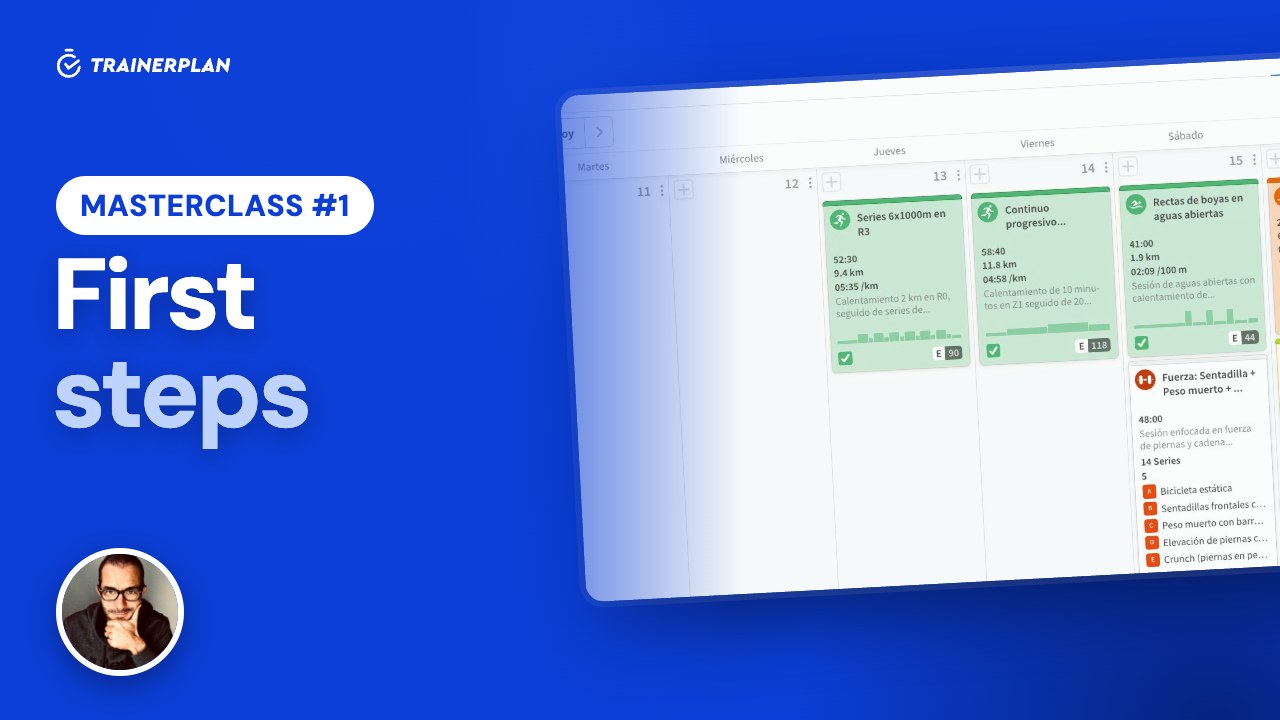
Masterclass #1Masterclass #1 · First steps in TrainerPlan
How to add your first athlete, set up their zones, build a session step by step, analyse a completed workout and read their dashboard. Everything you need to start coaching with TrainerPlan.
- Inviting and creating athletes
- Profile and training zones
- Analysing a completed session
- Building a session step by step
- The library and templates
- The dashboard: Fitness, Fatigue and Form
-
 3:20
Masterclass #2
3:20
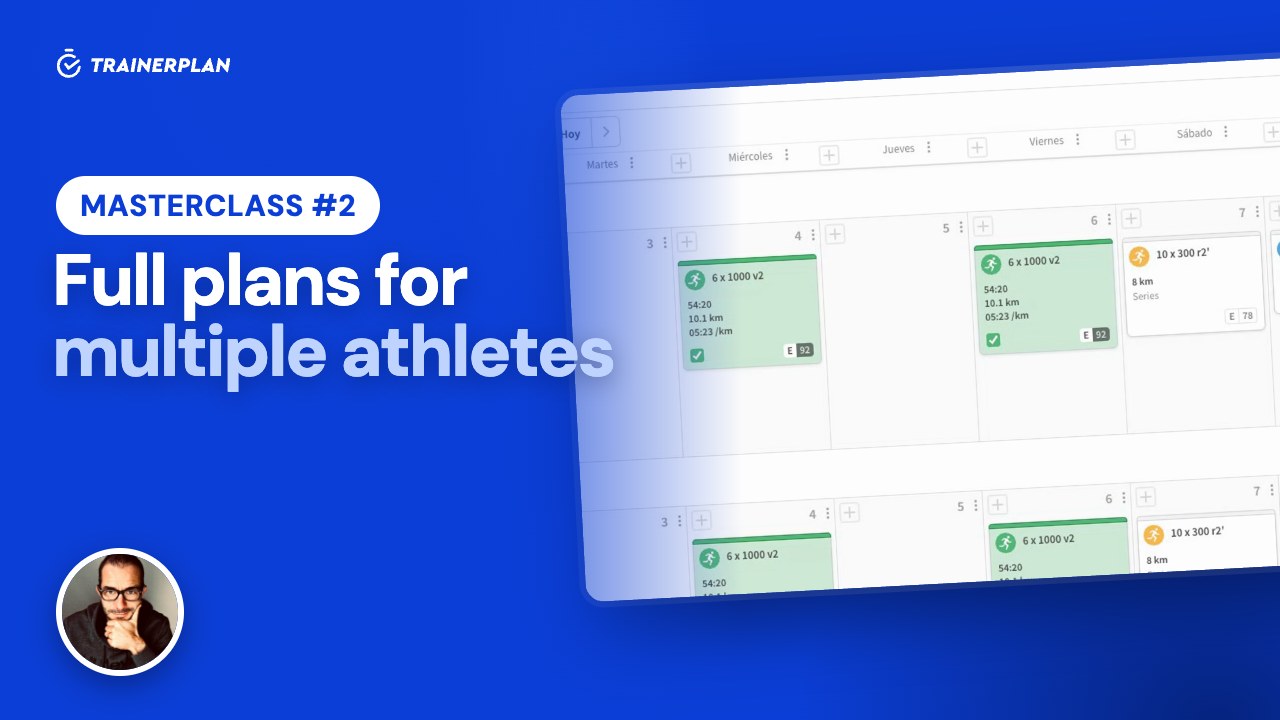
Masterclass #2Masterclass #2 · Full plans for multiple athletes
How to build a plan and assign it to several athletes or a whole group without writing the same week twice, and the difference between static and dynamic plans.
- Static and dynamic plans
- Adding sessions to a plan
- Copying days and whole weeks
- Assigning to athletes and groups
- The group calendar
- What each athlete sees
Unlock Your Full Training Potential!
Optimize your routine and reach your goals faster. Sign up today and transform your training with exclusive access to personalized tools and expert content!
Create a FREE account15-day free trial · No credit card needed