Best Marks: Your Personal Records, Tracked Automatically
Your 5K PB shouldn’t live in your head, and your best 20-minute power shouldn’t require scrolling through months of workouts. Best Marks is TrainerPlan’s personal-records page: your fastest times and biggest efforts, detected automatically from the training you already sync.
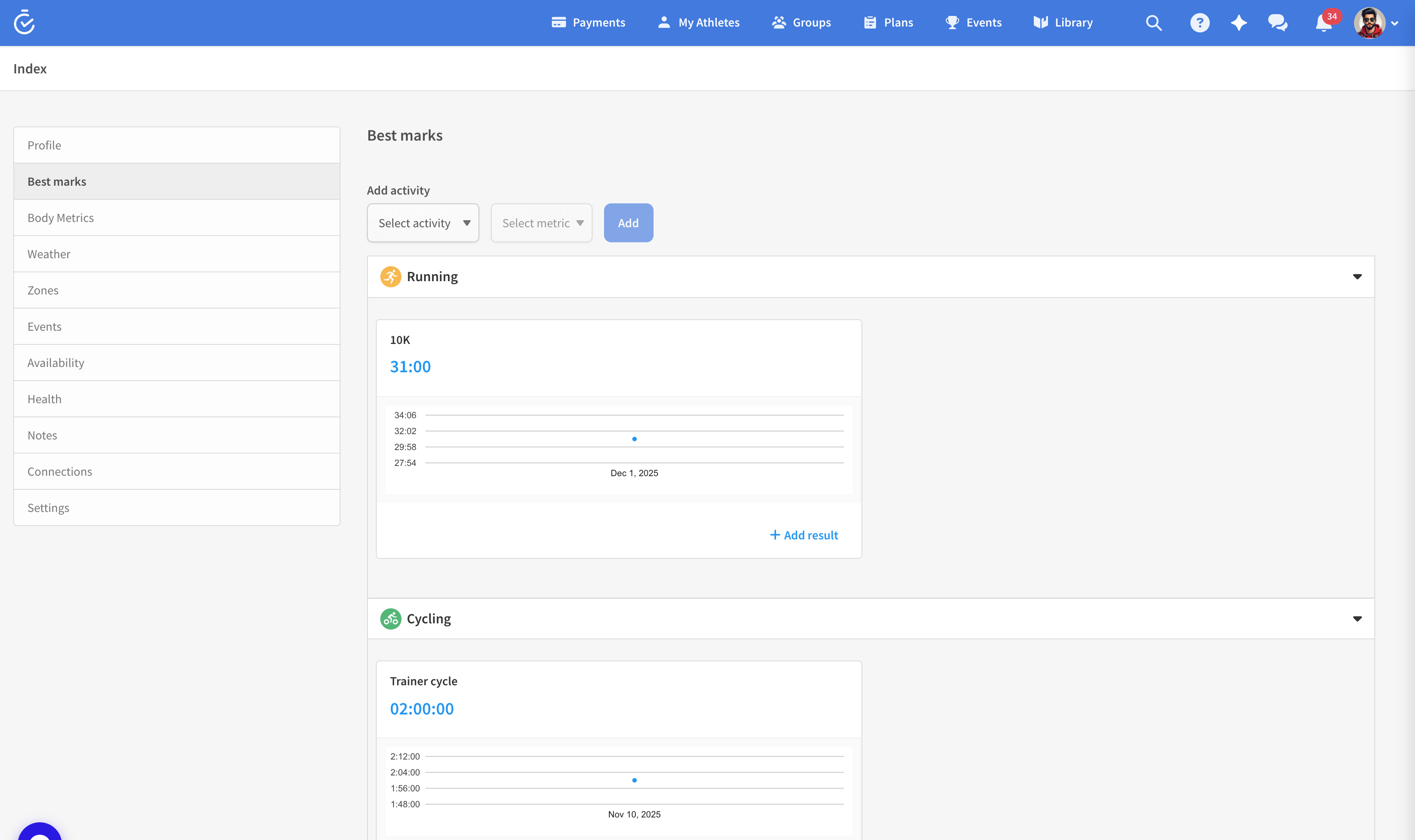
Where to find it
Open Profile → Best marks. Coaches see the same page inside each athlete’s profile — perfect before setting race targets.
What gets tracked
- Runners: your best times over the classic distances, picked up from any synced workout — a PB set mid-race counts, even if the race was longer.
- Cyclists: your best power over key durations, straight from your performance curves.
- Records over time: a chart with a year selector shows how your marks have progressed season by season — the most motivating graph in the app.
When a new workout contains a personal record, TrainerPlan flags it on the calendar with a medal — so PB days are visible at a glance, for you and your coach.
Add or correct a mark manually
Set a PB before you used TrainerPlan, or raced with no watch? Click any mark to edit it, or add one manually — date, value, done. TrainerPlan also suggests marks it finds in your history, so the page fills itself in as your training accumulates.
Why it matters for training
- Realistic race goals start from honest current marks, not memories.
- Coaches can anchor zone and pace targets to what an athlete has actually done recently.
- Progress you can see beats progress you have to believe in — especially through a long base block.
Best Marks works with every connected device — Garmin, Wahoo, Suunto, COROS, Polar, Apple Watch — and with manually imported FIT files.