How to Sync Your Planned Workouts with Suunto
Connect to Suunto
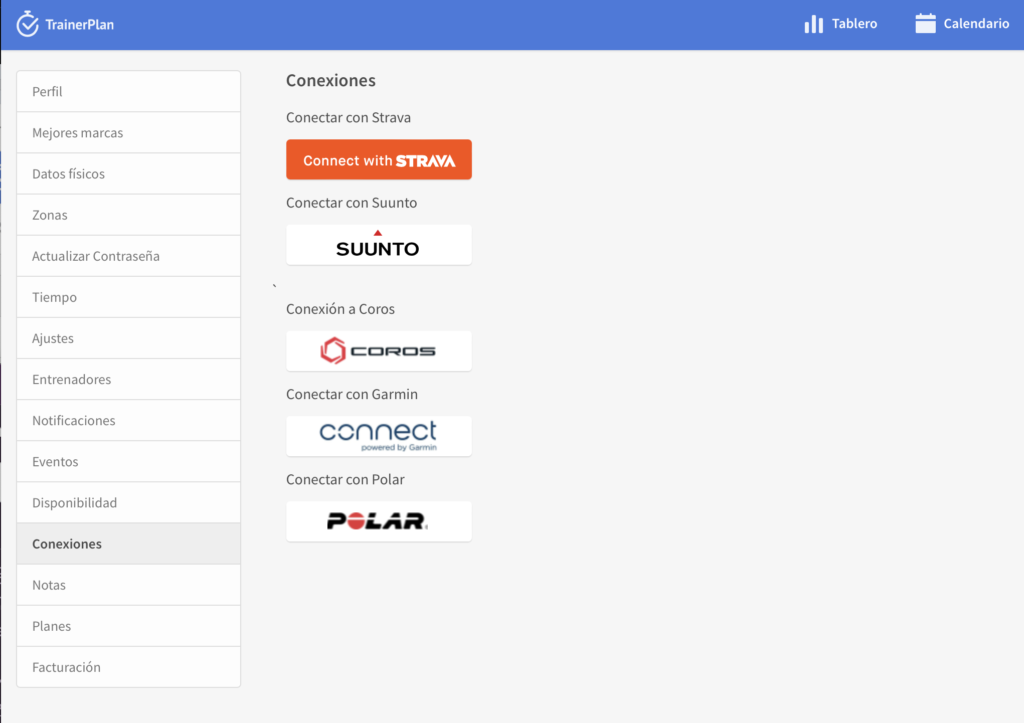
Go to your TrainerPlan account and navigate to Profile > Connections to connect your Suunto account.
Add workouts to your calendar
Plan your sessions directly in your TrainerPlan calendar.
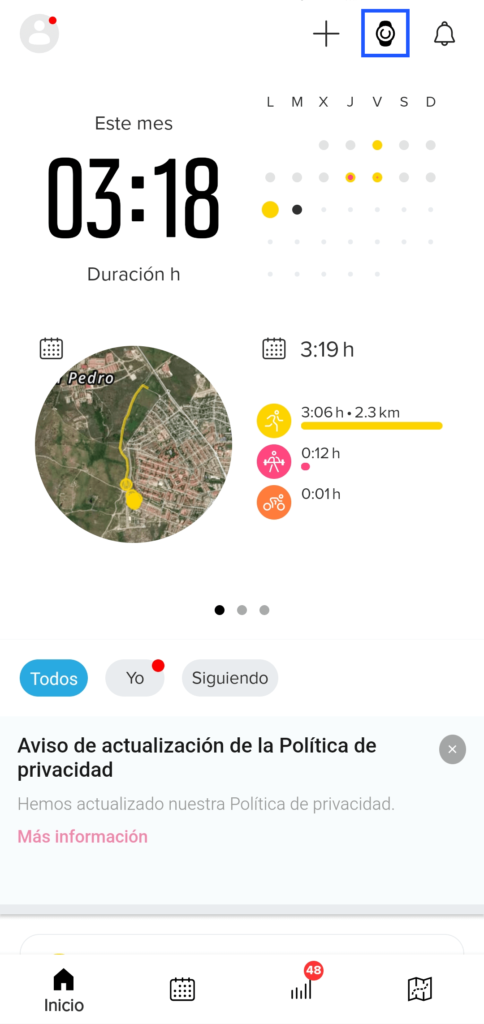
Set it up in the Suunto app
Open the Suunto app on your phone.
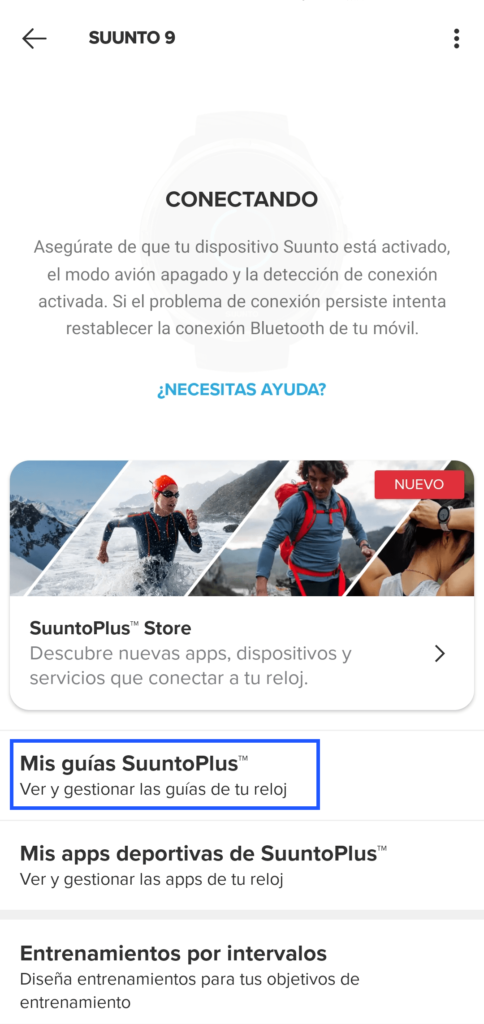
Select your device and go to My SuuntoPlus Guides.
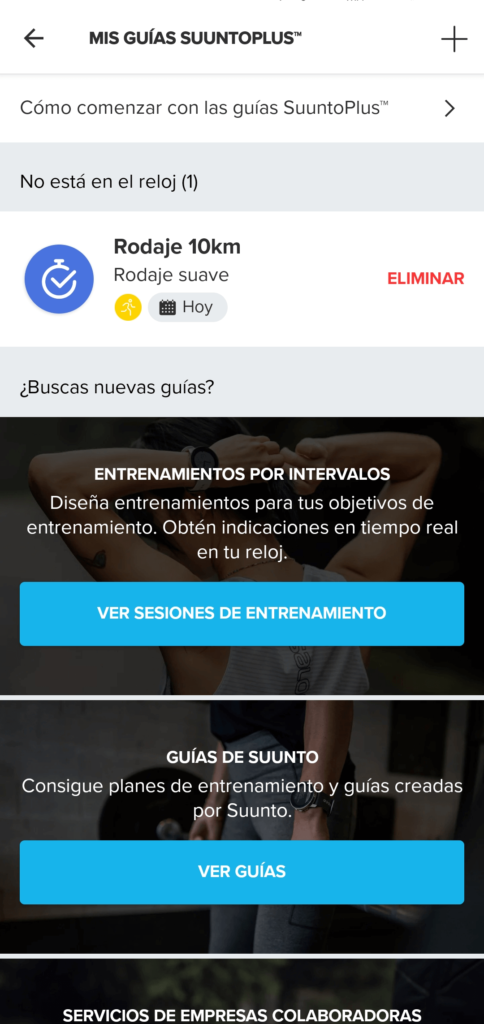
Sync with your watch
Make sure your watch is synced with the Suunto app to receive your planned workouts.
Select the guide on your watch
On your watch, choose the activity type.
Go to Options > Guide and select the guide that matches your workout.
Start your workout
When you start the session, your watch will guide you through the workout with a new custom screen, designed specifically for your planned activity.
Log in to your account now and try it out.