Sell your training plans on the TrainerPlan Marketplace
The TrainerPlan Marketplace allows you to publish your static training plans and sell them to athletes and coaches from all over the world. TrainerPlan handles payments, taxes (VAT) and billing on your behalf. you keep 80% of each sale (post-VAT); TrainerPlan retains 20% as the margin to operate the platform.
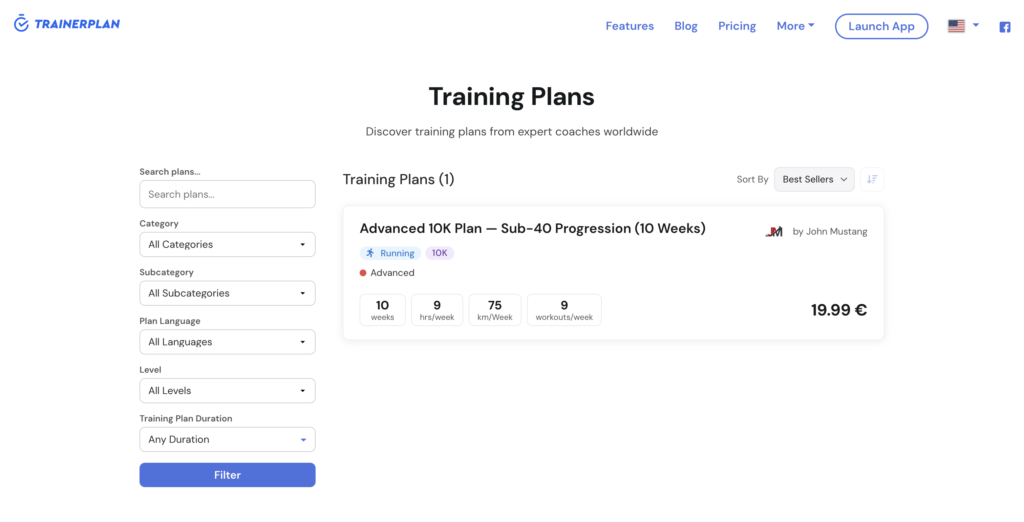
Your published plans appear in trainerplan.co/training-plans, where anyone can discover them, preview them and buy them. Buyers don’t need a TrainerPlan account in advance — we automatically create it at checkout and give them your plan.
How it works
- A buyer finds your plan on the web and pays by card.
- TrainerPlan (as the Merchant of Record) charges the total price including VAT.
- Stripe automatically transfers your 80% to your connected Stripe account.
- The plan is delivered to the buyer’s TrainerPlan library.
- Two invoices are generated for each sale:
- A buyer receipt (series
TPMK-…) emailed to the buyer - A self-billing invoice (series
AF-…) issued on your behalf, documenting your income from the sale
- A buyer receipt (series
Both invoices are available for download in your tab Profile → Billing → Billing History.
Step by step: Activate your Marketplace account
Open Plans → Marketplace Panel. You will see a 4-step activation flow:
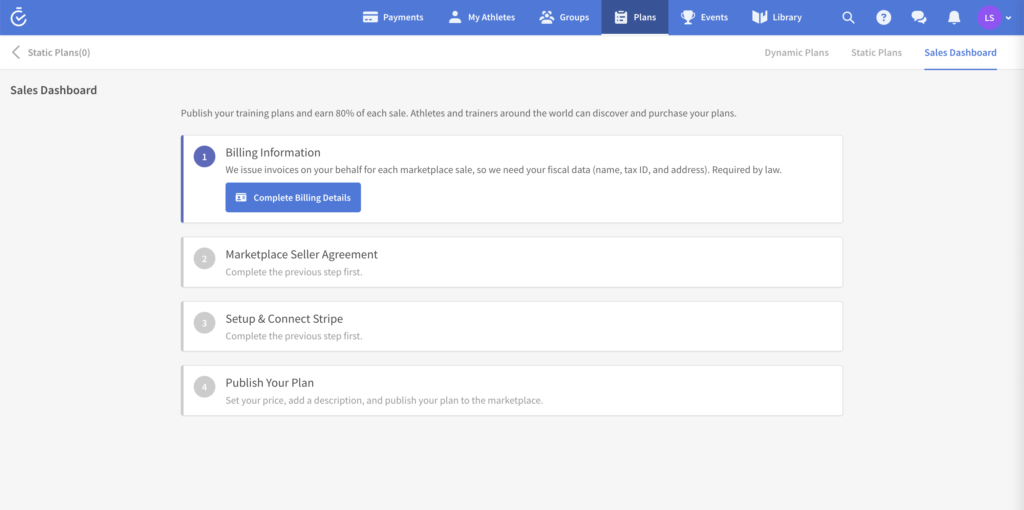
1. Billing data
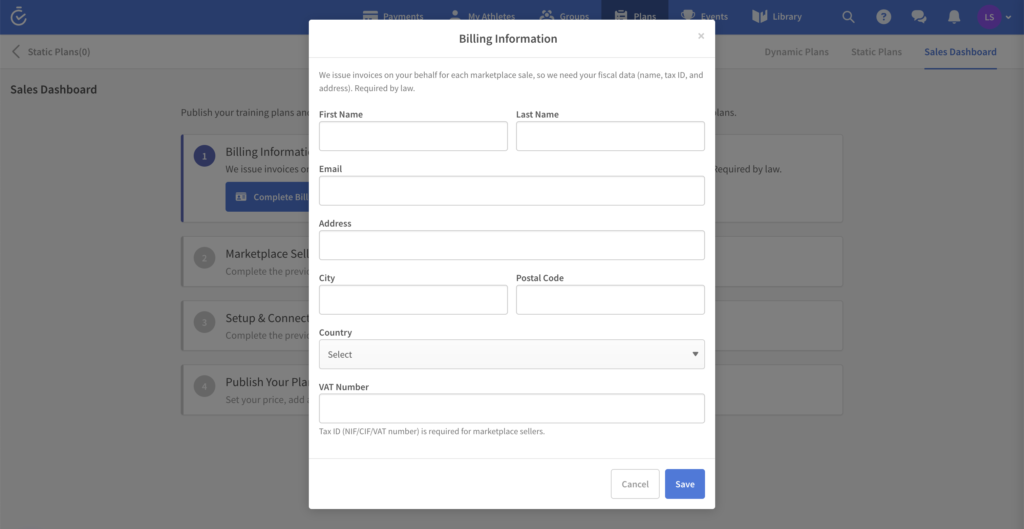
We issue invoices on your behalf for each sale, so we need your tax information: legal name, tax number (local tax ID — e.g. VAT, EIN, ABN, depending on your country) and address. Click Complete billing details, fill out the form and save. Required by law.
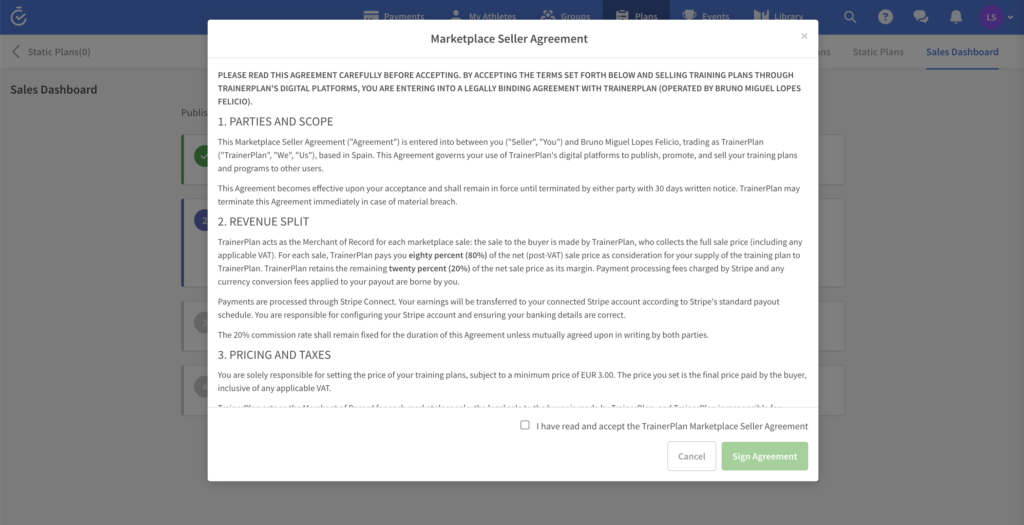
2. Marketplace Seller Agreement
Read and sign the agreement. Section 3.B authorizes TrainerPlan to issue self-billing invoices on your behalf — this is what makes your data from step 1 legally usable.
3. Configure and connect Stripe
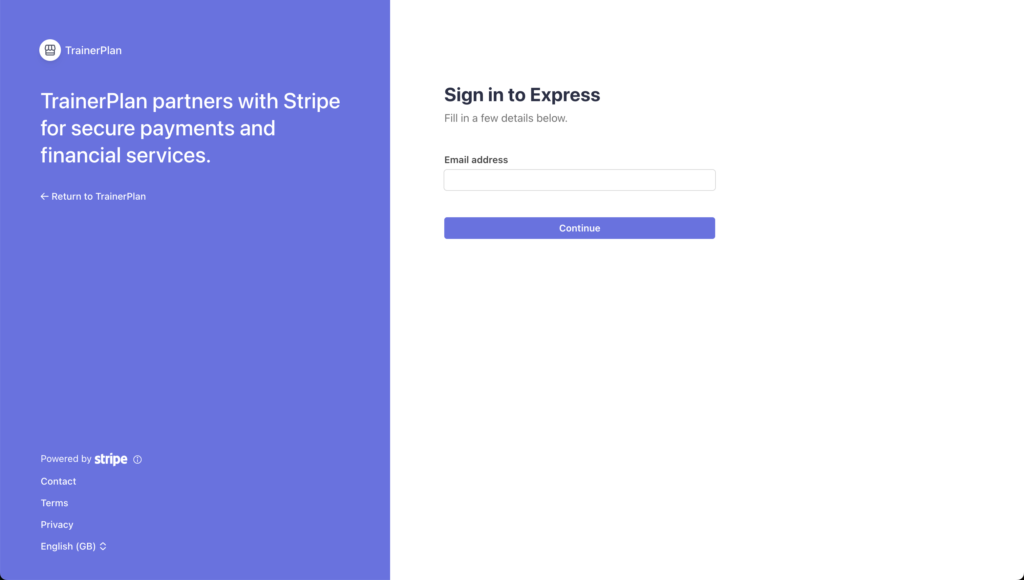
Click Connect with Stripe to complete the identity verification and add your bank details. This is where your earnings will be deposited. Stripe manages everything — you will be redirected to your secure form and return to TrainerPlan upon completion.
4. Publish your plan
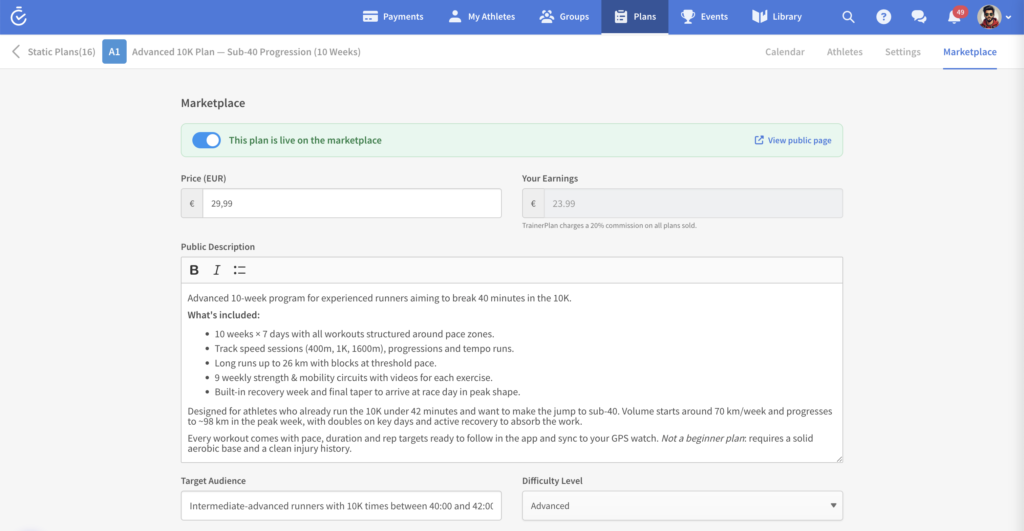
Go to Plans → Static Plans, open the plan you want to sell and click Publish to Marketplace. You will have to define:
- Price (minimum €3.00)
- Public description
- Type of activity and subcategory (racing / cycling / triathlon / etc.)
- Duration, hours per week, distance per week (when applicable)
- Plan language
- Optional sample week (preview)
Once published, your plan appears on trainerplan.co/training-plans in a few minutes.
What your plan looks like on the TrainerPlan website
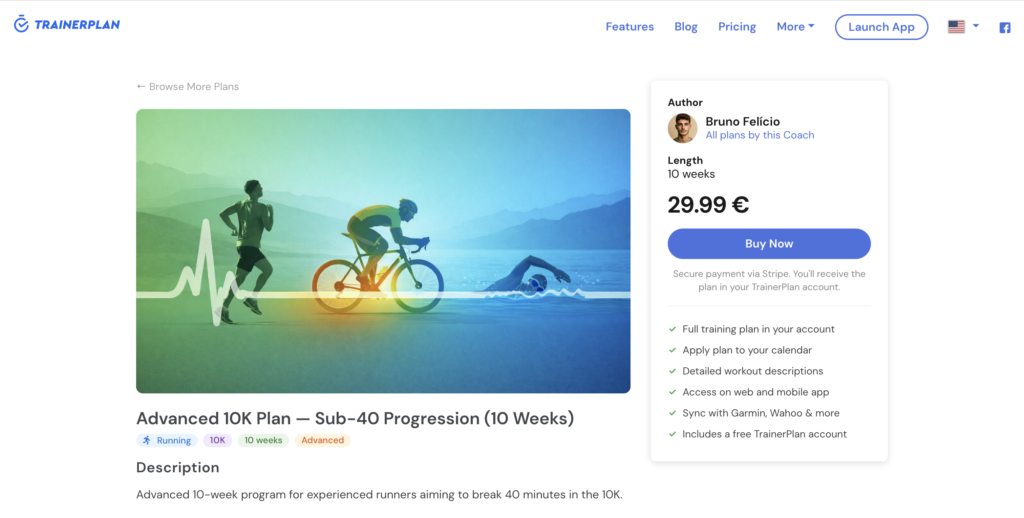
Your plan appears in two places:
Listing page — trainerplan.co/training-plans — with filters by type of activity, subcategory, price and duration. Buyers see the title of the plan, your name as the author, the price, and a short description.
Detail page — trainerplan.co/training-plans/plan-name — full description, sample week (if you added it), activity details, your author bio, and a Buy now button that takes the buyer to the secure checkout.
After a sale
- You will receive a notification by email.
- The sale appears in Marketplace Panel → Recent Sales.
- The self-billing invoice (
AF-YYYY-NNNNN) is available at Profile → Billing → Billing History → Self-Billing Invoices. - Stripe will deposit your share into your bank account on its usual payout schedule (typically within 2 business days).
Frequently Asked Questions
What taxes do I pay? TrainerPlan handles VAT/sales tax on the buyer side. The 80% you receive is your gross income — you’re responsible for declaring and paying tax on it according to the rules in your country (e.g. income tax and any self-employment or sales-tax obligations that apply to you). The AF-… self-billed invoices we issue in your name are the formal record of that income.
Can I sell from outside the EU? Yes. If you’re based outside the EU, no VAT is applied on your self-billed invoice — you’re still responsible for reporting the income under your local tax rules.
How do refunds work? Buyers have up to 14 days to request a refund (in line with UK/EU consumer law; where local law grants a longer period we honour that). When a refund is issued, both parties return their share: your 80% is clawed back and TrainerPlan refunds its 20%. Refunds are processed in Stripe and your payout balance is adjusted automatically.
From which countries can I sell?
Selling on the Marketplace requires a Stripe Connect account, which is currently available in: most of the European Economic Area (EU, UK, Norway, Switzerland), the United States, Canada, Australia, New Zealand, Brazil, Mexico, Japan, Singapore and Hong Kong. If your country isn’t on the list yet, hang tight — we’re working on adding more payment options so coaches everywhere can sell their plans.
Can I unpublish or change the price? Yes, any time — from Marketplace Panel → My Plans. Price changes apply only to future sales.